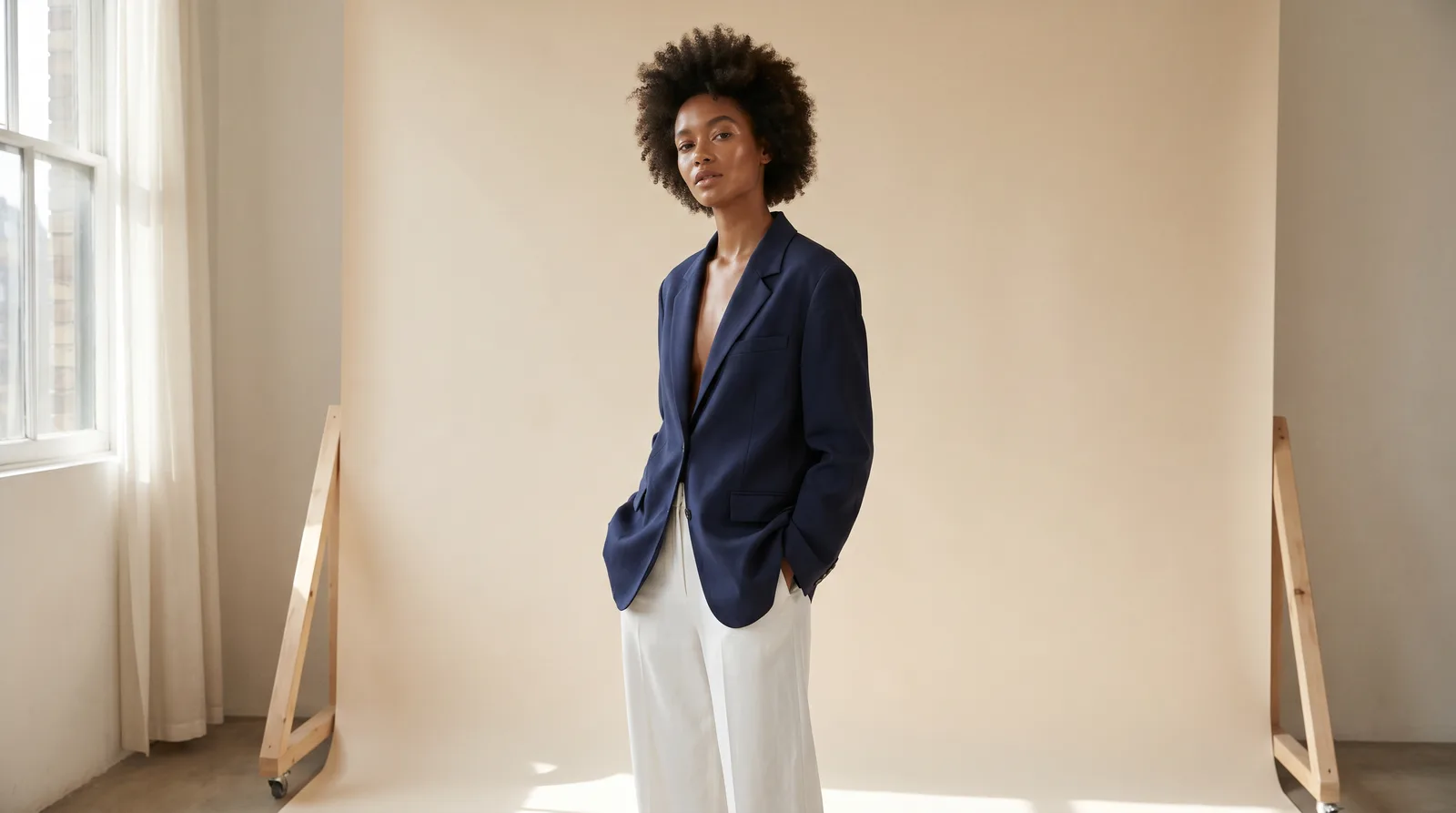
Photoroom vs Milano AI for Fashion Photos (2026)
Photoroom is brilliant at background removal, batch edits, and mobile. Milano AI is built to generate on-model fashion imagery and full catalogs. Here's how to pick — and why they work better together.
Photoroom or Milano AI — which one do you actually need?
Short answer: it depends on whether you need to clean up a photo you already have or generate a photo you don't. Photoroom is one of the best tools on the planet for cutting out a product, dropping it on a clean background, and batching that across a catalog — fast, and from your phone. Milano AI is built to create new fashion imagery: a garment on a model, a full campaign, a consistent catalog, and video.
That's the whole comparison in one line, and it's why this isn't really a fight. Most fashion brands we talk to keep Photoroom for fast cleanup and use Milano AI for the shots they can't take with a camera. This guide compares them fairly — feature by feature — so you know exactly which job belongs to which tool.
Photoroom vs Milano AI — what's the difference?
The difference is editing versus generating. Photoroom is an editing-first studio: it removes backgrounds with best-in-class precision, applies templates, retouches, and batch-processes hundreds of images. Milano AI is a generation-first platform built only for fashion: it puts your real garment on a model, builds full campaigns and catalogs around it, formats for each marketplace, and turns stills into video. One finishes the photo you have; the other makes the photo you need.
| Photoroom | Milano AI | |
|---|---|---|
| What it is | An AI photo editor for e-commerce — background removal, retouch, templates, batch | A platform built only for fashion — on-model imagery, campaigns, catalogs, video |
| Core job | Clean up and finish photos you already have | Generate new on-model and campaign imagery |
| Best for | Fast cutouts, white backgrounds, batch edits, mobile | On-model shots, consistent catalogs, ads, launches, video |
| On-model imagery | Yes, via its Virtual Model add-on (paid, credit-based) | Built around it — the core of the product |
| Consistency across a set | Template-based; AI on-model results can drift | Reusable model, scene, and brand look across a whole catalog |
| Video | On higher paid tiers | Yes, from the same product |
| Starting price | Free tier (watermarked, non-commercial); Pro from ~$7.99/mo | Free to start |
What is Photoroom?
Photoroom is an AI photo-editing app built for e-commerce sellers, available on web, iOS, and Android. Its reputation was built on one thing it does exceptionally well: automatic background removal with best-in-class edge detection, even on tricky transparent products. Around that it adds AI backgrounds, retouching, object removal, a library of 1,000+ marketplace-ready templates, batch mode, and a brand kit.
It's fast, polished, and genuinely loved by solo sellers and high-volume teams alike — millions of them. If your daily job is turning a pile of phone photos into clean, listing-ready images, Photoroom is one of the best tools you can pick. It has also added a Virtual Model feature that places garments on AI models, which we'll cover honestly below.
What is Milano AI?
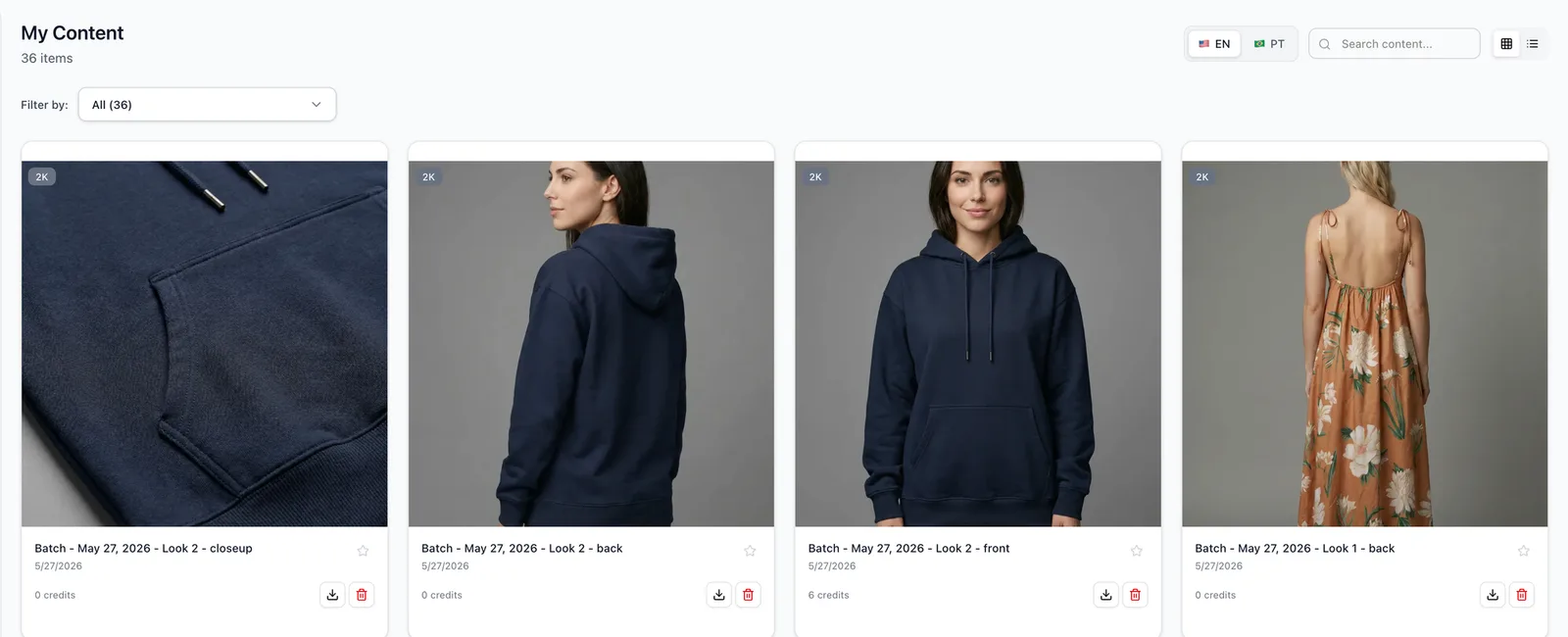
Milano AI is an operating system for fashion brands. You start from a product photo you already have — a flat lay, a hanger shot, a ghost-mannequin shot, or a garment on a person — and the platform generates campaign-ready imagery around the real item: on a model you choose, in a scene you set, in the exact format each channel needs.
The same workspace covers product photography, e-commerce shots, catalogs and lookbooks, and video — and it includes a built-in photo editor for cleanup too. It's narrow on purpose: every feature exists so a clothing brand can produce a full season's imagery without booking a studio that runs $500–$5,000 per shoot day.
Is Photoroom good for fashion product photos?
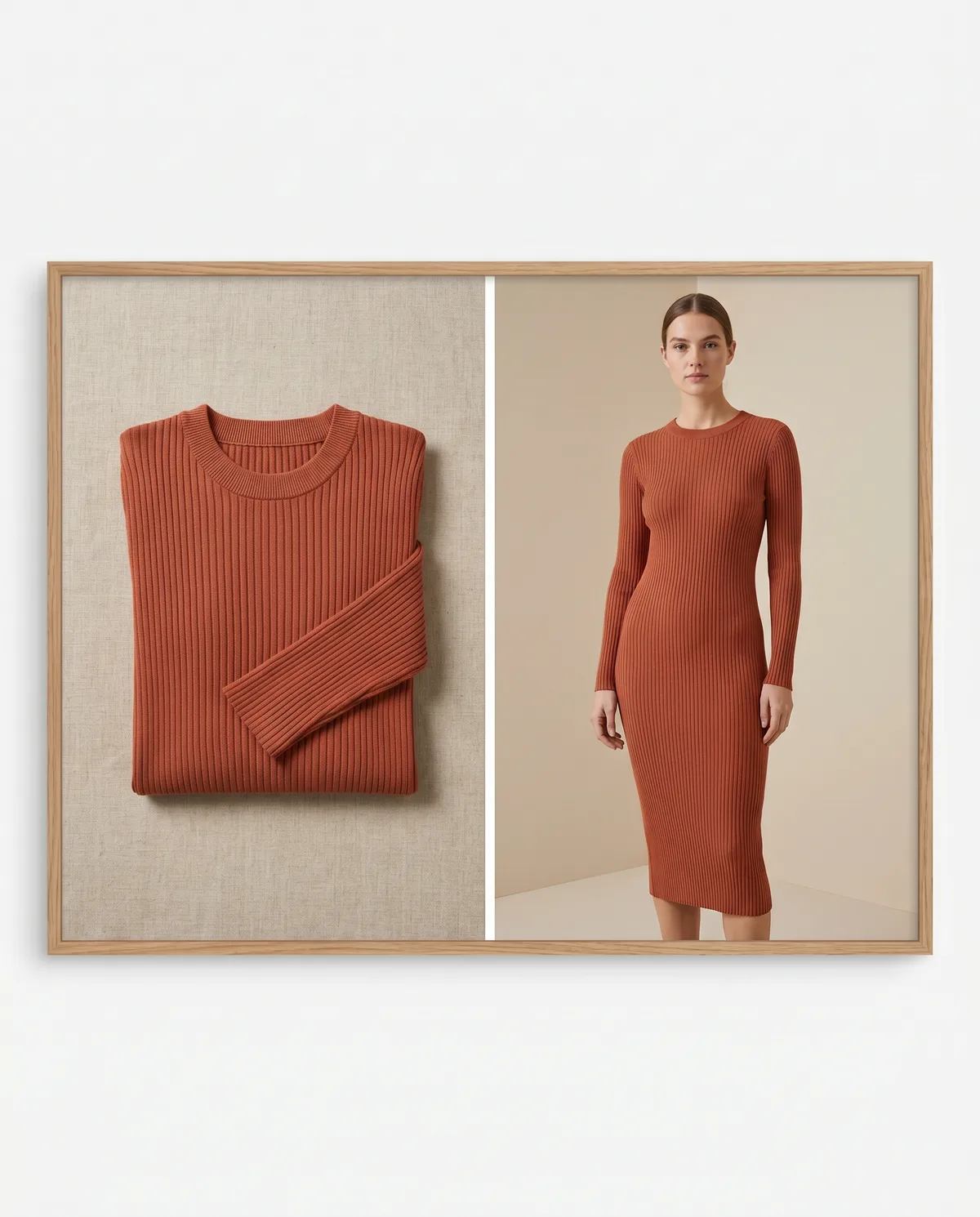
Yes — for the editing half of the job. Photoroom is excellent at the steps that come after you have a photo: removing the background, dropping the product on pure white, retouching, and batching the whole catalog so every image matches. For flat lays, accessories, and pack shots that just need a clean cutout, it's hard to beat on speed and price. Where it's weaker is generating the photo in the first place — turning a flat garment into a believable on-model campaign image, consistently, at catalog scale.
Can Photoroom put clothes on a model?
Yes — Photoroom added a Virtual Model feature that turns a flat-lay or ghost-mannequin photo into a model wearing the garment, with preset models, poses, and backgrounds. It's a real capability, it's improving fast, and for a quick on-model preview it works. Two honest caveats: it's paid and credit-based (resolution tiers from 1K up to 4K are tied to Pro/Max/Ultra plans), and product fidelity is the hard part — which is true for every AI in this category, not just Photoroom.
How hard? Photoroom published its own benchmark and found that leading AI editing models kept product details accurate only about 28% of the time, with logo and text distortion appearing in roughly 19% of generations — the single biggest failure mode. That's the honest state of the art. It's why a fashion-built workflow — one designed to preserve the real garment and let you fix and regenerate a single detail — matters once you're shipping a catalog, not just one preview.
Does Photoroom keep the real product accurate?
For background removal, yes — the original product pixels are preserved, which is exactly why cutouts are so reliable. For generated on-model images, accuracy is the open challenge across the whole industry: by Photoroom's own published benchmark, top models drift on logos, prints, buttons, and seams a majority of the time. Photoroom offers a brush-to-fix tool to repair flagged areas. Milano AI approaches the same problem from the fashion side — anchoring color, fabric, and details to your reference and keeping them consistent across a set.
Photoroom vs Milano AI, feature by feature
Here's the honest head-to-head. Photoroom wins decisively on editing speed, mobile, and one-tap cutouts. Milano AI wins on generating new fashion imagery: on-model shots that hold the real garment, consistency across a full catalog, campaign and editorial frames, marketplace formatting, and video. Several rows are checked for both — because both tools genuinely do them — and that's the point: they're complementary, not interchangeable.
| Photoroom | Milano AI | |
|---|---|---|
| One-tap background removal | ✓ | ✓ |
| Batch-edit a whole catalog | ✓ | – |
| Mobile app (iOS / Android) | ✓ | – |
| Template library for listings | ✓ | ✓ |
| Generate a garment on a model | ✓ | ✓ |
| Keeps the real garment accurate across a set | – | ✓ |
| Consistent model + scene across a catalog | – | ✓ |
| Full campaign / editorial imagery | – | ✓ |
| Marketplace-ready formats (Amazon, Mercado Livre, Shopee) | ✓ | ✓ |
| Video from the same product | ✓ | ✓ |
| Built for fashion specifically | – | ✓ |
A few rows are worth explaining, because they're where the right tool for a fashion brand becomes obvious:
- Background removal vs generation. Photoroom removes a background flawlessly because it keeps your real pixels. Milano AI creates pixels that didn't exist — the model, the pose, the scene — which is a different and harder job, and the one fashion brands need most.
- Consistency across a set. A catalog needs the same model, light, and look across forty SKUs. Editing tools batch edits; Milano AI locks a model, scene, and brand look and reuses them so the whole collection reads like one shoot.
- End to end. A launch needs stills and motion in several crops. Milano AI takes the same garment from on-model image to campaign to video without leaving the platform.
Bottom line: Keep Photoroom for what it's brilliant at — fast background removal, batch edits, and mobile cleanup. Reach for Milano AI when you need to generate on-model imagery, a consistent catalog, a campaign, or video. Most brands run both.
Can I make a full catalog with Photoroom?
You can make a clean, consistent catalog of edited photos with Photoroom — same background, same crop, same template across hundreds of SKUs, processed in batch. What's harder is a full catalog of generated on-model imagery where the same model wears every garment in matching light without the product drifting. That's where a fashion-built platform pulls ahead: Milano AI is designed to hold one model and scene across the whole range, so a 200-piece collection looks like a single shoot.
What's a Photoroom alternative for on-model imagery?
If your main need is generating on-model fashion photos — putting a real garment on a believable model, consistently, across a catalog — Milano AI is the purpose-built alternative. It anchors the generation to your actual product, keeps a reusable model and scene so a set stays cohesive, exports in marketplace formats, and extends the same product into video. Photoroom's Virtual Model is fine for a quick preview; Milano AI is built for the catalog and campaign that follow it.
Photoroom vs an AI photo studio — which do I need?
Pick by the job in front of you, not the brand:
- Choose Photoroom when you need to remove backgrounds, retouch, drop products on white, or batch-edit a catalog fast — especially from your phone. It's the best-in-class cleanup tool and the free tier is great for testing.
- Choose Milano AI when the image has to be created: a garment on a model, a consistent catalog, a campaign to run as ads, marketplace-ready formats, or video. This is the part a background remover can't do.
- Use both when you're running a real store: clean and cut out in Photoroom, generate the on-model and campaign imagery in Milano AI. They cover opposite halves of the same workflow.
Tips for getting the best of both
- Cut out first, generate second. A clean Photoroom cutout makes a great reference for generating on-model imagery in Milano AI.
- Start from your clearest garment photo. A flat lay, ghost-mannequin, or hanger shot in good light gives any AI the most to work with.
- Always check the product before the scene — color, print direction, logos, seams — since product fidelity is the hardest thing for any generator.
- Generate once, format for every channel — Amazon wants a pure white main image at 1,600 px or larger; Mercado Livre and Shopee have their own white-background and size rules.
Frequently Asked Questions
Photoroom is an editing tool: it removes backgrounds, retouches, and batch-edits photos you already have. Milano AI generates new fashion imagery — a garment on a model, full campaigns, consistent catalogs, and video. One finishes a photo; the other creates one.
Related Articles
Midjourney vs Milano AI for Fashion (2026)
Midjourney makes gorgeous images. But can it run a fashion catalog where the same garment stays the same across forty shots? An honest comparison for brands that sell clothing.
ChatGPT vs Milano AI for Fashion Photos (2026)
ChatGPT can make a product image. But can it run a fashion catalog? An honest comparison of ChatGPT and Milano AI for brands that sell clothing.