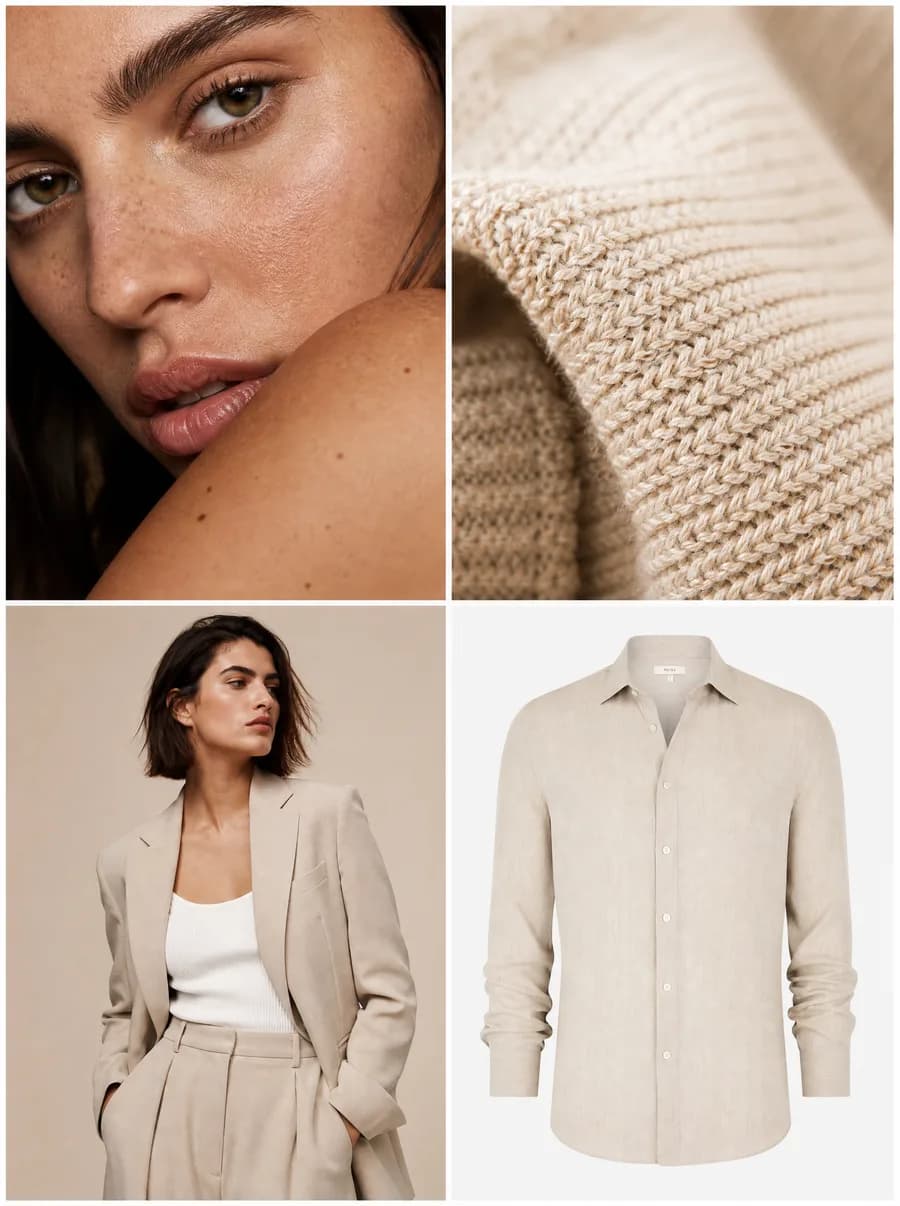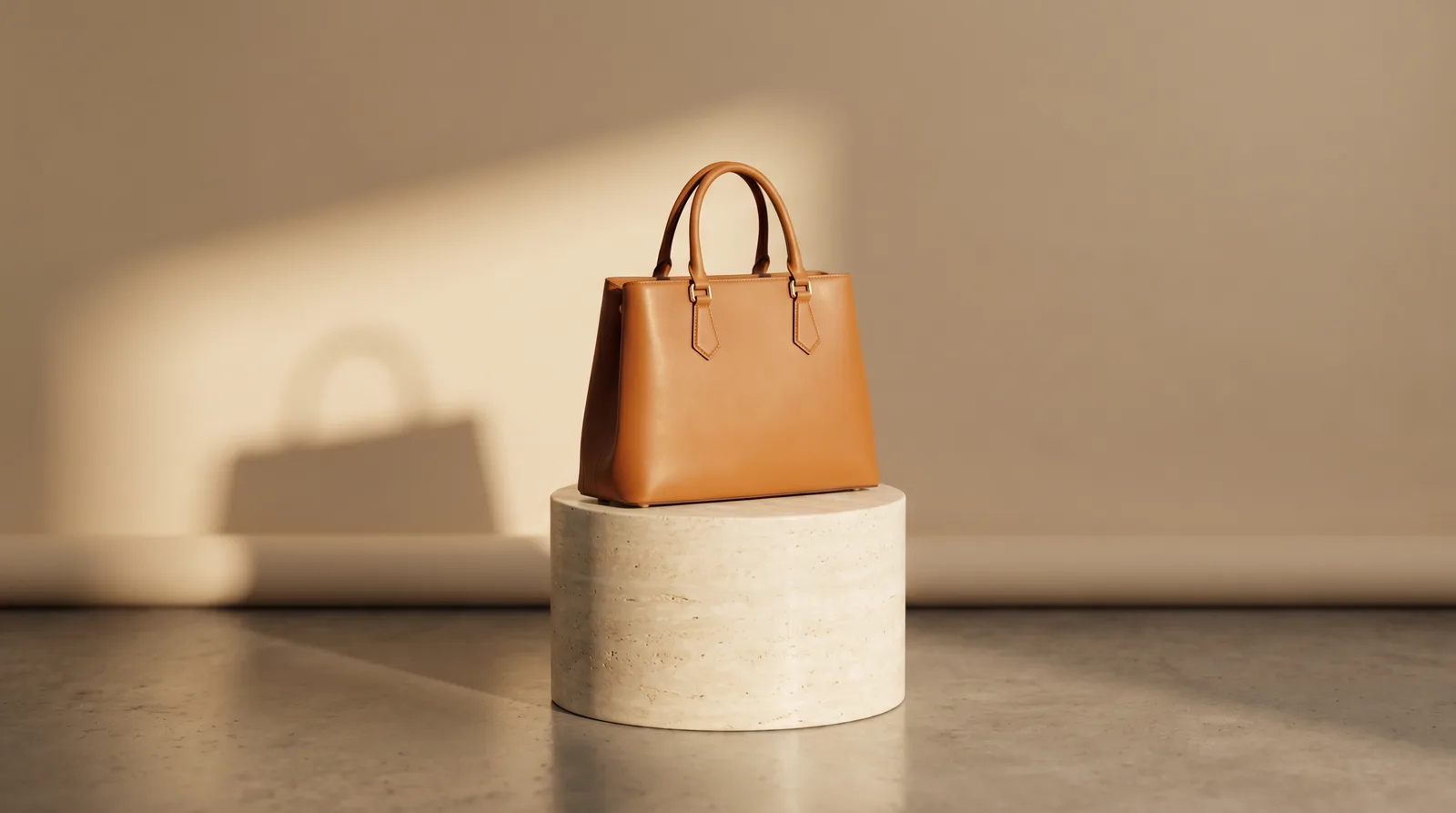
AI Product Photography: The Complete 2026 Guide
What AI product photography is, how it works, what it costs vs a studio shoot, and how to get marketplace-ready images that keep your real product accurate.
You shouldn't need a studio day to fill a catalog
Here's how product photos used to happen: box up the inventory, book a studio, wait for an opening, ship the samples, wait for the shoot, then wait again for retouching. A full shoot package for 10–30 images runs $1,500–$8,000+, and a single styled studio day can hit $10,000+ once you add the photographer, stylist, props, and post-production. For a 500-SKU catalog at $25 per product, that's $12,500 before a single listing goes live.
That math is why most stores photograph a product once, never refresh it, and never test a second angle. AI product photography breaks the bottleneck. You start with a photo you already have — even a phone shot — describe the scene, and generate clean, marketplace-ready images in about 60 seconds, for roughly $0.10–$3 per image.
This guide covers what AI product photography actually is, how the workflow runs, what it costs versus a real shoot, whether it's good enough for e-commerce, and where a human photographer still wins.
What is AI product photography?
AI product photography is the process of generating professional product images from your existing photos using AI, instead of a traditional camera shoot. You provide the real product — a phone snap, a flat lay, a hanger shot, or a few reference angles — and the platform places it on a clean white background, in a lifestyle scene, or on a model, with studio-grade lighting and shadow.
The critical phrase is your real product. This isn't generic stock or a lookalike. A good product photo generator preserves the actual color, fabric, print, and shape of the item, then builds believable scenes around it — the surface, the light, the backdrop, and the framing for the exact channel you're publishing to.
The category has matured fast: the AI image-tools market grew past $5 billion in 2025 and is on track for the high tens of billions by 2030, driven almost entirely by e-commerce sellers swapping shoot days for generated catalogs.
How does AI product photography work?
AI product photography works in three steps: you upload a reference photo, describe or pick the scene, then generate and scale. The platform reads the product from your reference, holds its real details, and renders it into the setting you chose — pure white for a marketplace listing, a marble surface for social, or on a model for fit. Most images land in under a minute, and you can batch dozens at once.
- Upload your product photo. The clearer the reference, the better the result. Shoot on a neutral background with soft, even light so edges stay clean — a phone photo is fine. Add extra references for anything that must stay exact: a logo, a print, hardware, stitching.
- Set the scene and format. Choose a clean white background for the marketplace main image, a lifestyle surface for ads, or a model for apparel. Pick the aspect ratio for where it'll live — 1:1 for listings, 4:5 for social, 16:9 for banners.
- Generate, review, and scale. Generate a batch, check the product first (color, texture, details) then the scene, keep the winners, and regenerate the rest. One session can produce a white-bg shot, three lifestyle variants, and an on-model version of the same SKU.
Is AI product photography good enough for e-commerce?
For most e-commerce categories, yes. In consumer blind tests, modern AI product photos reach roughly 89% photorealism versus camera shots, and on simple products they convert at about 85% parity with professional photography — often higher once you factor in volume. Across one set of 50 A/B tests, AI images delivered a 17.6% higher average conversion rate, with tech accessories up 31% and apparel up 19%.
Why? Because shoppers respond to more images, not just expensive ones. Product imagery influences up to 93% of online purchase decisions, 75% of shoppers say photos drive whether they buy, and lifestyle shots lift conversion 22–30% over a plain pack shot. AI lets you ship that volume — white background, in-context, seasonal, on-model — instead of rationing one angle per product.
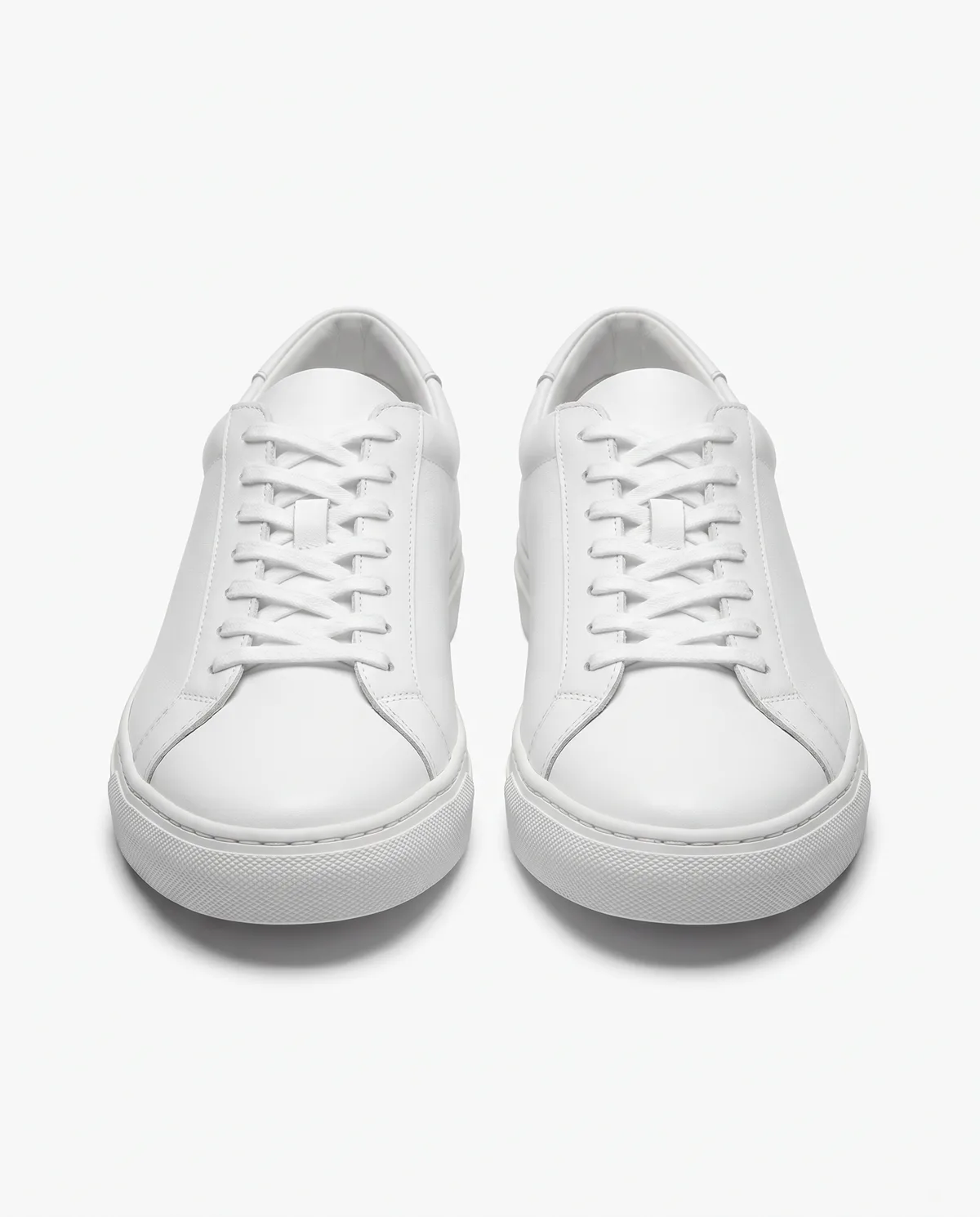
Where it's still weak: complex fashion with intricate drape or tactile texture converts lower (around 62% parity), and beauty is the one category where traditional shots still won (by ~8%). Treat AI as the engine for the 80–90% of catalog, social, and testing content where speed and volume matter — and keep a camera for the hero moments.
Can AI keep my real product accurate?
Accuracy is the whole game, and it comes down to your input plus the tool. A strong AI photo studio anchors every generation to your reference photo, holding the real color, fabric, print, and silhouette while it changes only the background, light, and scene around the product. The cleaner and higher-resolution your starting photo, the more faithfully those details survive.
The honest caveat: thin straps, fine prints, small text on packaging, and reflective or transparent materials are where weaker tools drift. The fix is practical — start from a sharp, well-lit reference, add close-up references for the details that matter, and always review the product before you approve the background. For fashion specifically, fit and fabric are exactly what sells, so check seams and drape first.
This is why a fashion-built tool matters: keeping one garment consistent across a white-bg listing, a lifestyle ad, and an on-model shot is harder than making one pretty image. Our e-commerce photo studio is built to hold that product fidelity across a whole set.
How much does AI product photography cost vs a studio shoot?
AI product photography costs roughly $0.10–$3 per image, or a $10–$299/month subscription, versus $25–$500+ per image for a studio and $1,500–$8,000+ for a full shoot package — a 75–95% reduction. For a 500-SKU catalog, that's about $12,500 a shoot cycle dropping to under $1,000 a year. The deeper saving is speed: minutes instead of the 1–3 weeks a shoot needs.
| Traditional studio shoot | AI product photography | |
|---|---|---|
| Time to first image | 1–3 weeks | Minutes (~60s per image) |
| Cost per image | $25–$500+ | $0.10–$3 |
| Cost for a 500-SKU catalog | ~$12,500 per cycle | Under $1,000/year |
| Scenes & variations | What you built on set (2–3) | As many as you want |
| Reshoots | New shoot day | Regenerate instantly |
| Marketplace formats | Re-crop / re-shoot per channel | Every ratio from one session |
| Best for | Hero & luxury moments | Volume, catalog, testing, marketplaces |
Bottom line: A studio still wins for hero and luxury imagery where tactile authenticity sells. For the 80–90% of e-commerce content that's about volume, speed, and testing, AI product photography delivers comparable results at a fraction of the cost — which is why most brands now run a hybrid of both.
Can I use AI product photos on Amazon and other marketplaces?
Yes — AI product photos are allowed on every major marketplace, as long as they meet the same image rules as a camera shot and show the real product. The key compliance points are background, resolution, and a clean frame with no overlaid text. AI tools actually make compliance easier, because you can generate a pure-white main image and lifestyle secondaries in one pass.
For Amazon, the main image must use a pure white background (RGB 255,255,255), be at least 1600px on the longest side (2000–2500px recommended so zoom works), have the product fill 85%+ of the frame, and carry no text, logos, or props — saved as sRGB JPEG under 10MB. Lifestyle, infographic, and scale shots belong in the secondary slots (2–9), where backgrounds are flexible.
- Main image — pure white, product-only, 1600px+, 85%+ fill, no text.
- Secondary images — lifestyle, on-model, detail, and scale shots; backgrounds relaxed.
- Format — sRGB JPEG, square (1:1), under 10MB.
Generate the white-background main image and the lifestyle secondaries together, and you've covered a full compliant listing from one product photo.
Who's using AI product photography?
The same workflow solves a different problem for each kind of seller:
- Marketplace sellers who need a compliant white-bg main image plus lifestyle secondaries for hundreds of listings, fast.
- DTC and e-commerce brands refreshing the catalog every season instead of once a year.
- Independent designers launching a collection with no production budget — one cohesive look across the whole drop.
- Dropshippers and resellers turning a supplier's rough photo into a clean, branded pack shot.
- Kidswear, lingerie, and activewear brands, where on-model fit and context are what actually sell.
- Agencies producing product creative for several clients on tight timelines.
Can AI replace a product photographer?
Not entirely — and a good platform won't pretend otherwise. AI replaces the volume work: catalog shots, white-background listings, lifestyle variants, seasonal refreshes, and ad testing — the 80–90% of content where speed and cost matter more than maximum fidelity. For that work, the economics and turnaround are simply better.
A human photographer still wins the hero work: a brand campaign, a luxury or editorial shoot, beauty close-ups where texture is the product, and any image where authentic styling and on-set direction carry real weight. The smart play in 2026 isn't "AI or studio" — it's using AI to handle the bulk and freeing the photography budget for the few moments that truly demand a camera.
What's the best AI for product photos?
The best AI for product photos is the one that keeps your real product accurate and matches your channel. General image tools can make one pretty mockup, but they tend to drift on color, distort details, and won't hold a product consistent across a full set — which is exactly what a catalog needs. Look for product fidelity, consistency across SKUs, marketplace-ready output, and on-model capability if you sell apparel.
For fashion and apparel specifically, a purpose-built tool that does on-model generation, consistent catalogs, and marketplace formats beats a generic generator. Milano is built for exactly that — see our breakdown of the best AI tools for fashion product photos, and if you're making full campaigns, our AI fashion campaign generator guide.
Tips for better results
- Start from a sharp, evenly-lit reference on a neutral background — clean edges in, clean cutouts out.
- Add close-up references for anything that must stay exact: prints, logos, hardware, stitching.
- Check the product before the background — color and detail first, scene second.
- Generate the white-bg main image and lifestyle secondaries in one session to cover a full listing.
- Build one reusable model or scene for a collection so the whole catalog feels consistent.
Frequently Asked Questions
AI product photography runs about $0.10–$3 per image (or a $10–$299/month plan), versus $25–$500+ per image and $1,500–$8,000+ for a full studio shoot package — a 75–95% saving, with results in minutes instead of weeks.