AI Fashion Campaign Generator: The Complete 2026 Guide
What an AI fashion campaign is, how it works, and how to go from a single product photo to a full, on-brand campaign in minutes.
You shouldn't need a studio day to launch a campaign
Here's how a fashion campaign used to start: book a photographer, find a model, rent a location, wait for the shoot, then wait again for edits. Two weeks and a five-figure invoice later, you have one set of images — and if the creative misses, you start over.
That timeline is why so many drops launch late, and why smaller brands rarely test more than one creative direction. An AI fashion campaign removes the bottleneck. You start with a product photo you already have, describe the look you want, and generate campaign-ready images in minutes — as many directions as you want to test.
This guide covers what an AI fashion campaign actually is, how the workflow runs, what separates a great result from an obviously-fake one, and where these images belong in your marketing.
What is an AI fashion campaign?
An AI fashion campaign is a set of marketing images built around your real product, generated with AI instead of a traditional photoshoot. You provide the product — a garment on a model, a flat lay, a hanger shot, or a few reference angles — and the platform places it on a model, in a scene, with the lighting and mood you describe.
The key word is your product. This isn't generic stock art. A good system preserves the real color, fabric, silhouette, and details of the item, then builds a believable campaign around it: the model, the location, the styling, and the framing for the channel you're publishing to.
Why are fashion brands switching to AI campaigns?
Because it removes the slowest, most expensive parts of production without hurting quality. A traditional shoot runs roughly $500–$5,000 and takes one to three weeks; an AI campaign turns a product photo you already have into campaign-ready images in minutes, for a fraction of the cost — so launches stop slipping and you can test more than one creative direction.
- Speed. Shoot the campaign the day stock arrives instead of waiting to batch products for a photographer. Launches stop slipping.
- Cost. One AI campaign costs a fraction of a single shoot day — no studio, no crew, no model day-rate.
- Testing. Generate five creative directions, run them as ads, and let the data pick the winner.
- Consistency. Build a reusable model and a fixed scene so an entire collection feels like one campaign.
How do you make an AI fashion campaign?
In five steps: upload a product photo, choose or describe a model, set the scene and mood, pick the format for each channel, then generate and review. The whole path from a single image to a finished set takes minutes, not weeks.
- Upload your product photo. The clearer the reference, the better the result. A garment worn by a person or on a mannequin gives the most fit information, but hanger shots, flat lays, and detail close-ups all work. Add extra references for anything that matters — buttons, straps, embroidery, a logo.
- Choose a model or describe one. Pick a model for speed, or describe exactly who you want — skin tone, hair, age range, pose — when the brand needs a specific feel.
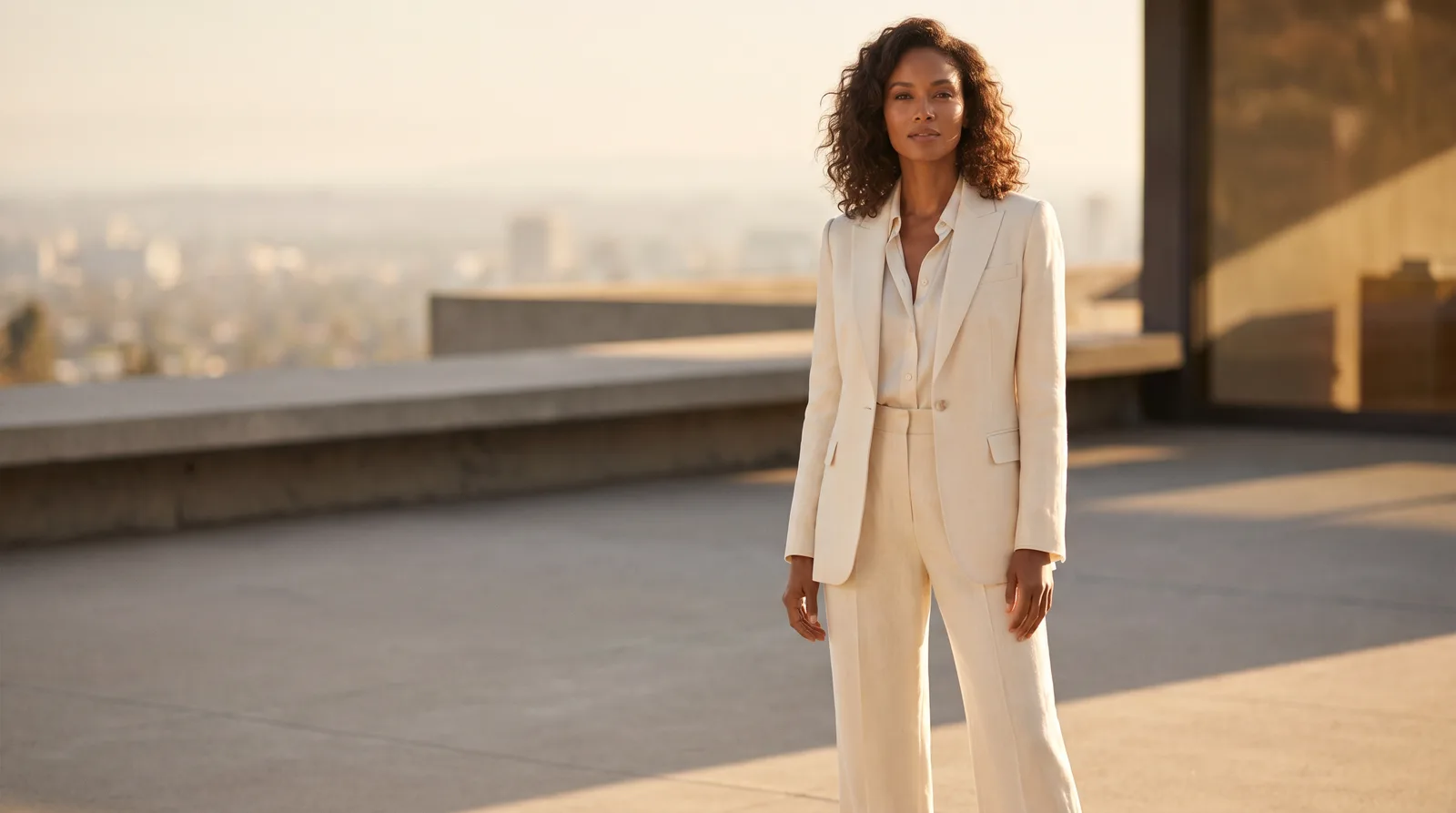
- Set the scene and mood. A sunlit hotel balcony, a clean studio, a city street at golden hour. The scene is what turns a product photo into a campaign.
- Pick the format for the channel. 9:16 for Reels and Stories, 1:1 for feed and grids, 4:5 for portrait posts, 16:9 for banners and hero images.
- Generate and review. Check the product first — color, fabric, silhouette, details — then the scene. Keep the winners, regenerate the rest.
What makes an AI fashion campaign image look real?
Four things, in order: accurate product, believable light, a model that fits the brand, and framing built for the channel. Get the product right first — if the color drifts or a strap disappears, nothing else matters.
- Product accuracy. If the color drifts or a strap disappears, nothing else matters. Always check the item before the background.
- Believable light. Real campaigns have a direction of light and soft, consistent shadow. Flat, shadowless images read as fake.
- A model that fits the brand. The model's styling, mood, and pose should match your price point and audience.
- Framing for the channel. Generate for where the image will actually live, so nothing important gets cropped.
Where can you use AI fashion campaign images?
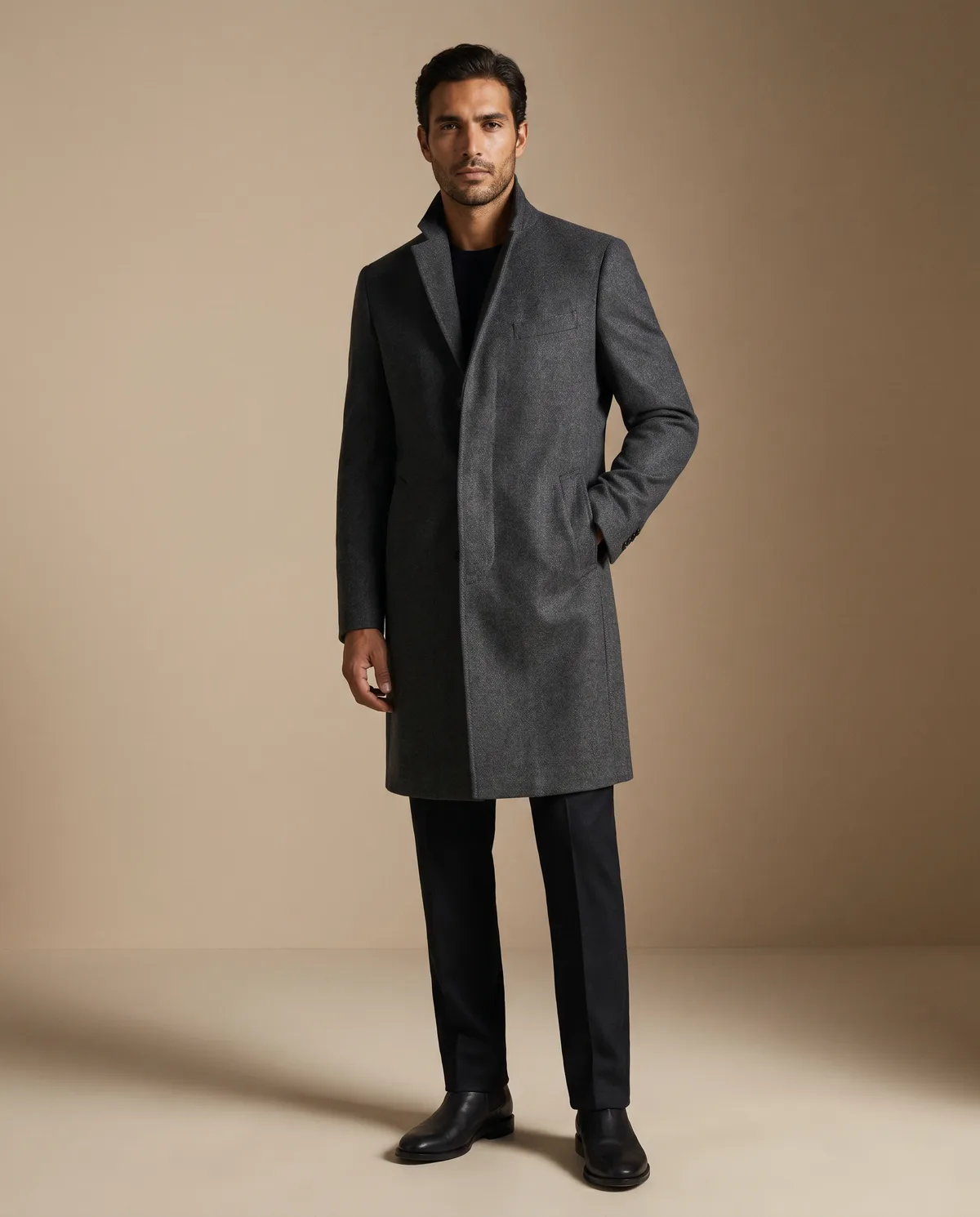
Across nearly every channel from one generation session — paid ads, product launches, email, social, and your storefront. The same product can feed Meta and TikTok ads, a launch hero image, seasonal email banners, and homepage creative.
- Paid ads — Meta, TikTok, and Pinterest creative, with multiple directions to test.
- Product launches — hero images and announcement creative ready before stock lands.
- Email & lifecycle — campaign banners that match the season.
- Social — feed posts, carousels, and vertical creative from the same product.
- Storefront — homepage and collection banners that feel like a real campaign.
AI fashion campaign vs a traditional photoshoot: which should you use?
Use AI for the steady volume of campaign creative — speed, cost, and testing — and save a traditional shoot for flagship brand moments. The table shows the trade-off.
| Traditional shoot | AI fashion campaign | |
|---|---|---|
| Time to first image | 1–3 weeks | Minutes |
| Cost per campaign | High (studio, crew, model) | A fraction of one shoot day |
| Creative directions | Usually one | As many as you want to test |
| Reshoots | New shoot day | Regenerate instantly |
| Best for | Hero brand moments | Volume, speed, testing, launches |
AI doesn't replace every shoot — there's still a place for a flagship brand film. But for the steady drumbeat of campaign creative most brands need, it changes the economics entirely.
Tips for better results
- Treat the prompt like a creative brief: model, product, location, light, mood, styling.
- Upload detail references for anything the eye should trust — hardware, prints, texture.
- Build one reusable model for a collection so the set feels cohesive.
- Generate a few directions, then judge them as ads, not as art.
Frequently Asked Questions
A marketing image built around your real product, generated with AI — a model, scene, and styling created from your product photo and a description.