
Product Photography Tips: Q&A Guide for Fashion E-Commerce Brands
Master product photography for fashion e-commerce with this Q&A guide. Learn essential setup, lighting, color accuracy, and scaling tips—plus how Milano AI transforms simple product shots into full campaign imagery, cutting costs by 95% while scaling production 10x.
If you run a fashion e-commerce brand, you already know this: your product photos are your sales team. Let's walk through the most important product photography questions—one by one—and turn your visuals into a conversion engine.
What makes a "high-converting" product photo for fashion?
A high-converting fashion product image does three things: it's clear, true-to-life, and emotionally aspirational.
- Clear: The product is the hero, in sharp focus, with clean lighting and no unnecessary clutter.
- True-to-life: Colors, textures, and fit match reality so returns don't spike when customers unbox the item.
- Aspirational: Lifestyle shots help shoppers see themselves wearing it—on the street, at work, on vacation.
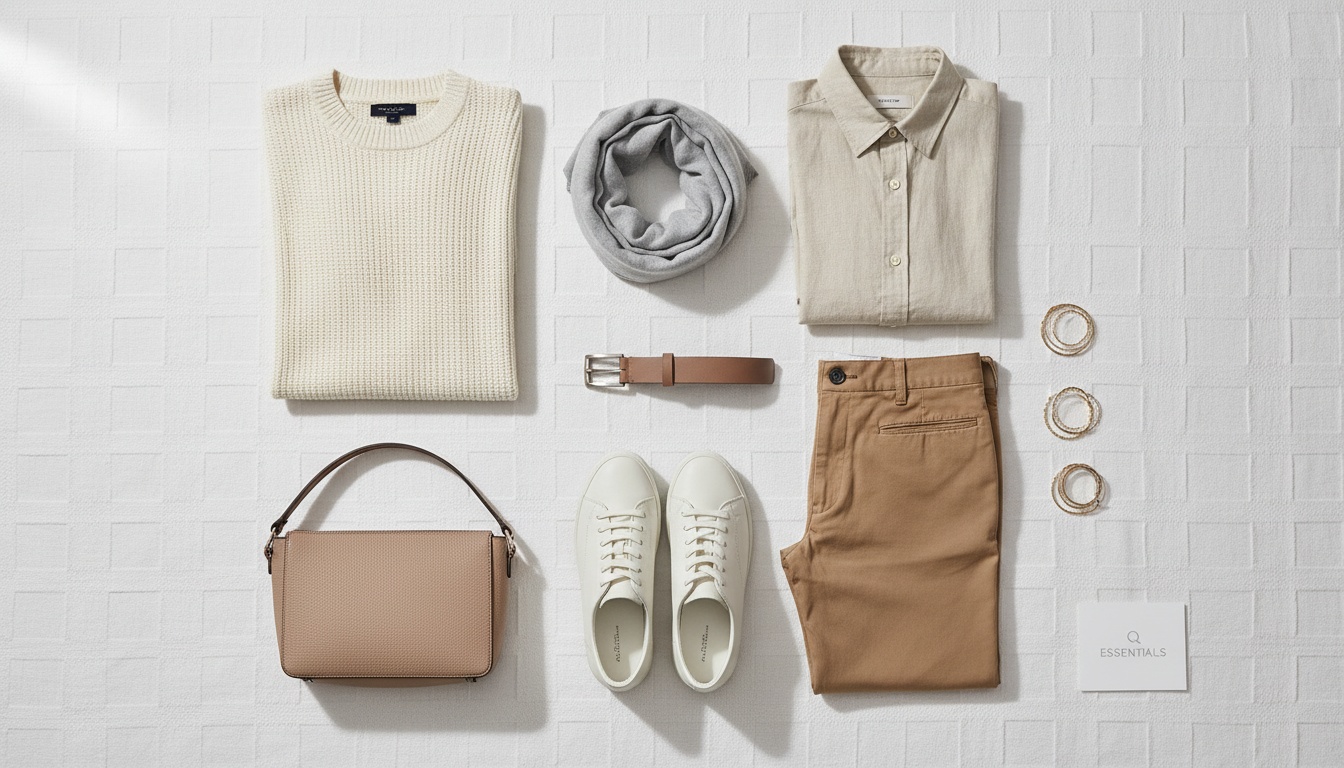
For fashion e-commerce, you typically need a mix of white background shots (for PDPs and marketplaces), detail close-ups (fabric, stitching, hardware), on-body or mannequin shots (fit, drape, proportions), and lifestyle imagery (campaign, social, ads).
What basic setup do I actually need (without overspending)?
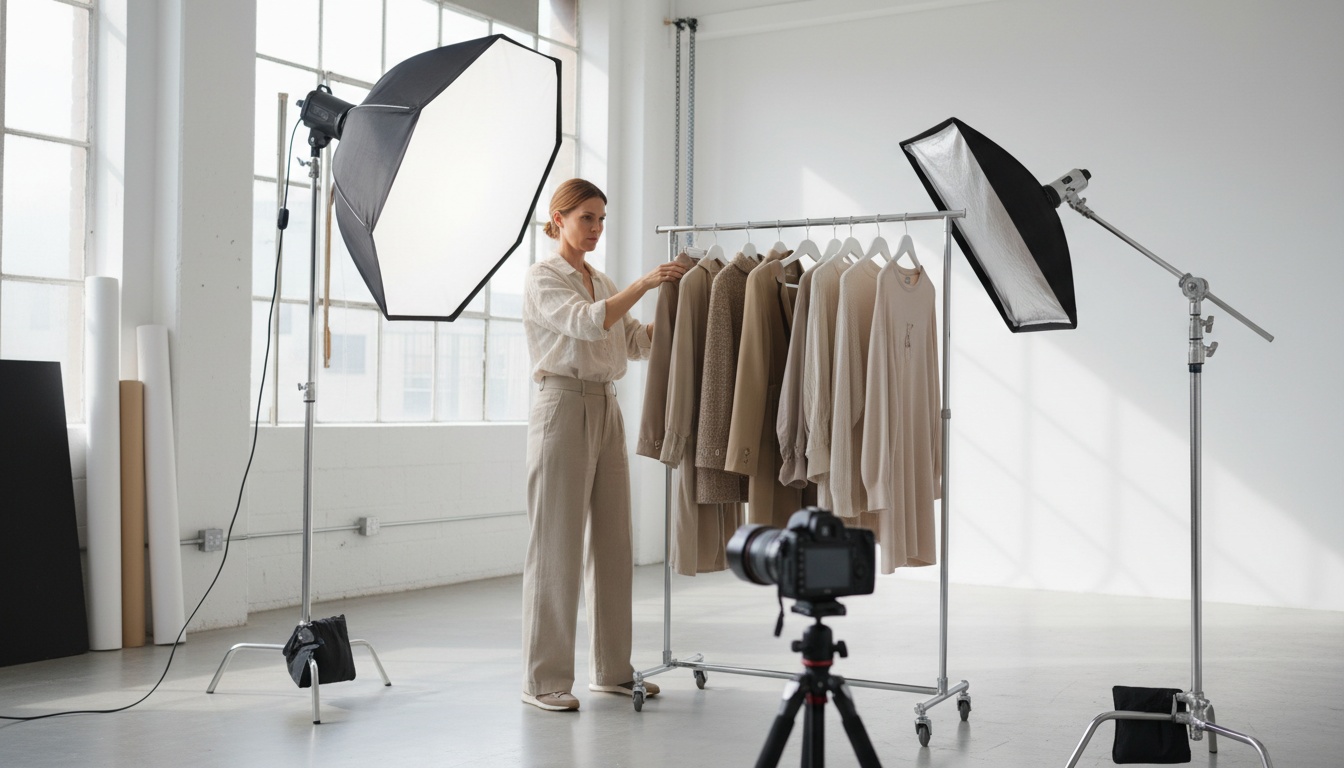
You don't need a cinema studio to create strong product photos, especially for online fashion retail. Focus on these essentials:
- Camera: A modern smartphone or a basic DSLR/mirrorless body with a 35mm–50mm equivalent lens is enough.
- Stability: A simple tripod to eliminate blur and keep angles consistent across SKUs.
- Light: A large window with indirect daylight or two softbox continuous lights at 45° to the product.
- Backdrop: White sweep (paper or fabric) for catalog, plus a few neutral surfaces (concrete, wood, fabric) for lifestyle-inspired shots.
- Reflectors: White foam board or card to bounce light and soften shadows.
For growing brands, consistency matters more than gear. Lock in a repeatable setup you can reproduce every time.
How should I set up lighting for fashion product photos?
Lighting is what makes your product look premium—or cheap. Here's a simple approach you can use whether you're shooting shoes, dresses, or accessories:
- Use soft, even light: Avoid harsh overhead lighting. Diffuse your light through a softbox, sheer curtain, or white sheet.
- Watch reflections: For glossy materials (patent leather, jewelry hardware), move the light source until reflections become smooth gradients instead of hot spots.
- Separate product from background: Leave some distance between the product and backdrop to avoid ugly shadows and color contamination.
- Check white balance: Make sure whites are neutral (not blue or orange) so fabric colors stay accurate.
For e-commerce, prioritize consistent lighting across the collection so product listing pages feel curated and trustworthy.
How do I keep colors and details accurate to reduce returns?
Color inaccuracy is one of the fastest ways to increase returns and lower trust.
- Use consistent white balance: Lock your camera's white balance instead of leaving it on auto.
- Avoid mixed light sources: Don't mix window light with warm ceiling lights; pick one type and stick with it.
- Expose for the fabric: Make sure highlights aren't blown out, especially on satin, silk, and white garments.
- Show multiple views: Add close-ups for knits, prints, embroidery, and special finishes so shoppers know exactly what they'll get.
On PDPs, pair strong imagery with honest copy ("lightweight, slightly sheer," "structured denim, no stretch") to align expectations with reality.
How do I scale product photography when I have hundreds of SKUs?
This is where most fashion brands struggle: not the first 10 products, but the next 1,000.
- Create a visual style guide: Document angles, backgrounds, lighting, crop ratios, and model poses for each product category.
- Shoot in batches: Group similar products (all denim, all sneakers, all jewelry) so you're not constantly reconfiguring the set.
- Standardize filenames and folder structures: Make it easy to push images to Shopify, WooCommerce, marketplaces, and social.
- Automate where you can: Background removal, resizing, and simple retouching are ideal for automation so your team focuses on creative decisions.
Once you have a repeatable system, you can plug in new collections without rebuilding your entire workflow from scratch.
How can AI and Milano AI transform product photos into full campaigns?
If you're reading this and thinking, "This all sounds great, but we don't have the time or team," that's exactly the gap Milano AI is built to fill.
Milano AI is a complete AI-powered platform created specifically for fashion and e-commerce brands to produce and scale professional visual content at unprecedented speed and cost efficiency. It's designed to turn the kind of product photography we just walked through into a full, channel-ready content engine.
Here's how Milano AI connects directly to the product photography tips above:
- Upgrade simple product shots into campaign imagery: Start with your core product photos and instantly generate lifestyle scenes, campaign-style visuals, and marketing videos—without scheduling new shoots, booking models, or renting studios.
- Generate complete catalogs in bulk: With bulk upload, you can create full e-commerce catalogs for every SKU, including white background images, lifestyle contexts, ghost mannequin effects, and marketplace-optimized images, all from a single workflow.
- Edit in plain English: Milano AI's photo editor understands everyday language. You can request background removal, color changes, or creative variations in simple prompts, while maintaining professional quality that matches traditional photography standards.
Beyond photos, Milano AI helps you link your product imagery directly to campaign performance and growth: launch product videos, generate daily SEO-optimized blog content around your products, automate social media posts across platforms, and design interactive catalogs—all from a single dashboard.
The result: Cut content costs by 95%, scale production 10x, and turn weeks of traditional workflows into minutes of AI-powered creation—starting from the product photography principles you've just learned.
Frequently Asked Questions
A high-converting fashion product photo is clear (sharp focus, clean lighting), true-to-life (accurate colors and textures to reduce returns), and emotionally aspirational (lifestyle shots that help shoppers envision themselves wearing the item). Fashion e-commerce requires a mix of white background shots for marketplaces, detail close-ups of fabric and hardware, on-body or mannequin shots showing fit, and lifestyle imagery for campaigns and social media.
Scale Your Fashion E-Commerce with AI
Create professional campaigns and product photography in minutes. Start with 10 free credits—no credit card required.
Related Articles
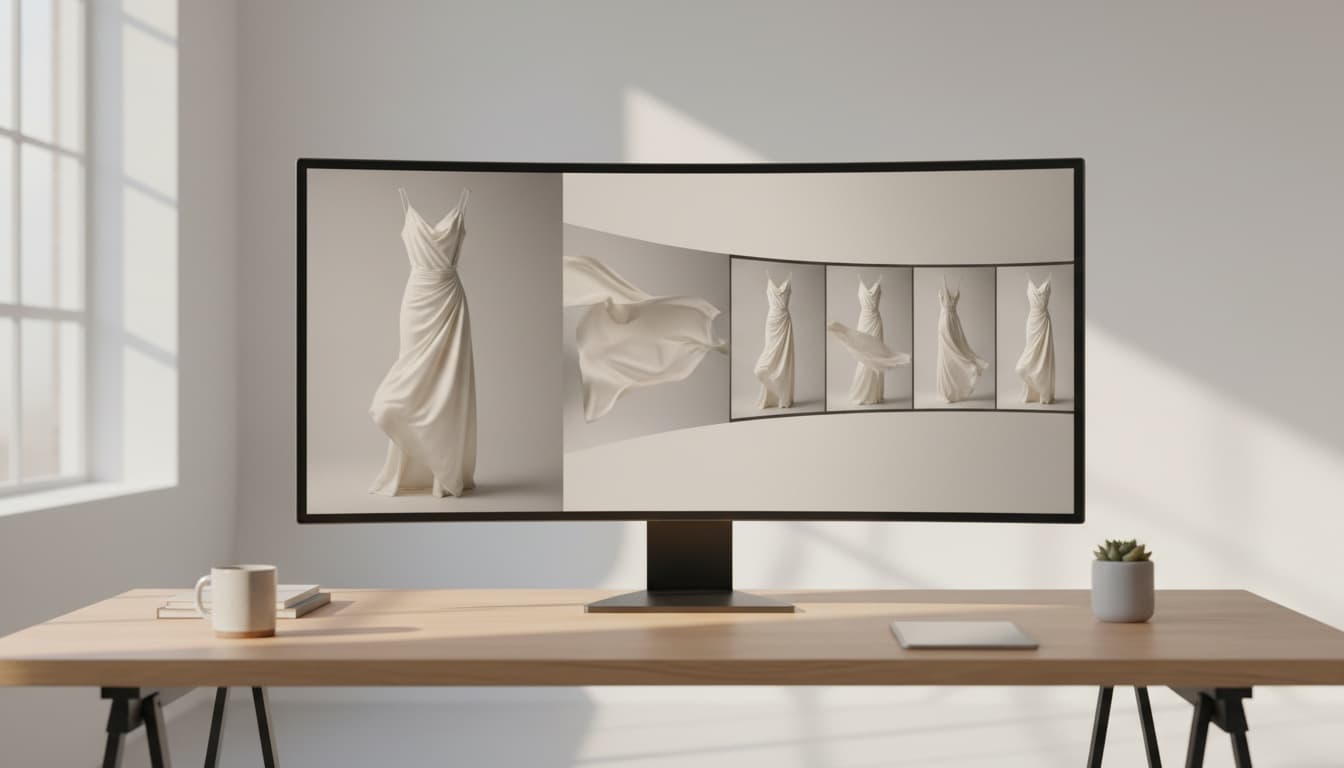
Professional Product Videos with AI: The Ultimate Q&A Guide for Fashion Brands
Learn how fashion e-commerce brands can create professional product videos with AI, replacing expensive photoshoots with automated video generation. This Q&A guide covers AI avatars, conversion optimization, and scaling video content across your entire catalog—cutting costs by 95% while accelerating production from weeks to minutes.

AI Lifestyle Videos: Compare Top Tools for Fashion Brands in 2026 | Milano AI Guide
Compare top AI lifestyle video tools for fashion e-commerce in 2026. Detailed analysis of Synthesia vs HeyGen vs Runway ML vs Pika Labs vs Milano AI. Learn which platforms deliver ROI for DTC brands, with actionable implementation strategies and cost comparisons. Cut video production costs by 95% while scaling output 10x.

Marketplace Video Optimization: How Fashion Brands Scale Conversions 30%+ in 2026
Fashion brands see 30%+ conversion lifts with optimized marketplace videos, but manual production fails at scale. Learn the cause-and-effect strategies driving success on Amazon, Etsy, and Shopify in 2026—from AI compression eliminating load penalties to shoppable overlays converting views into sales. Complete guide with actionable tactics for DTC brands and retailers.