
Product Photography Tips for Fashion E-Commerce: Solve Your Biggest Photo Problems in 2026
Poor product photos kill 30-50% of fashion e-commerce conversions. Learn actionable product photography tips for lighting, composition, and editing—plus discover how Milano AI eliminates photography pain points entirely, creating professional catalog imagery in minutes at 95% cost savings.
Your product photos are costing you sales. Blurry images, harsh shadows, washed-out colors—these aren't just aesthetic issues, they're conversion killers. Fashion e-commerce brands lose 30-50% of potential customers to poor product photography. But here's the truth: you don't need a $10,000 studio setup to create professional images that sell. This guide delivers actionable product photography tips that solve your biggest challenges, from lighting disasters to editing nightmares.
The Problem: Why Your Fashion Product Photos Are Failing
You're juggling inventory, marketing, customer service, and a dozen other priorities. Product photography feels like just another task to check off. So you grab your phone, snap a few quick shots, and upload. The result? Images that make your premium products look cheap.
The real damage:
- Customers can't see fabric texture, fit, or true colors
- Your conversion rate sits 30-50% below competitors with professional photos
- Returns spike because products don't match expectations
- Your brand looks amateur compared to established retailers
- You're losing to competitors who invest in visual content
For fashion specifically, the stakes are higher. Sheer fabrics need proper backlighting to show transparency. Leather requires precise lighting to reveal texture. Knitwear demands angles that showcase dimension. Generic product photos don't cut it anymore.
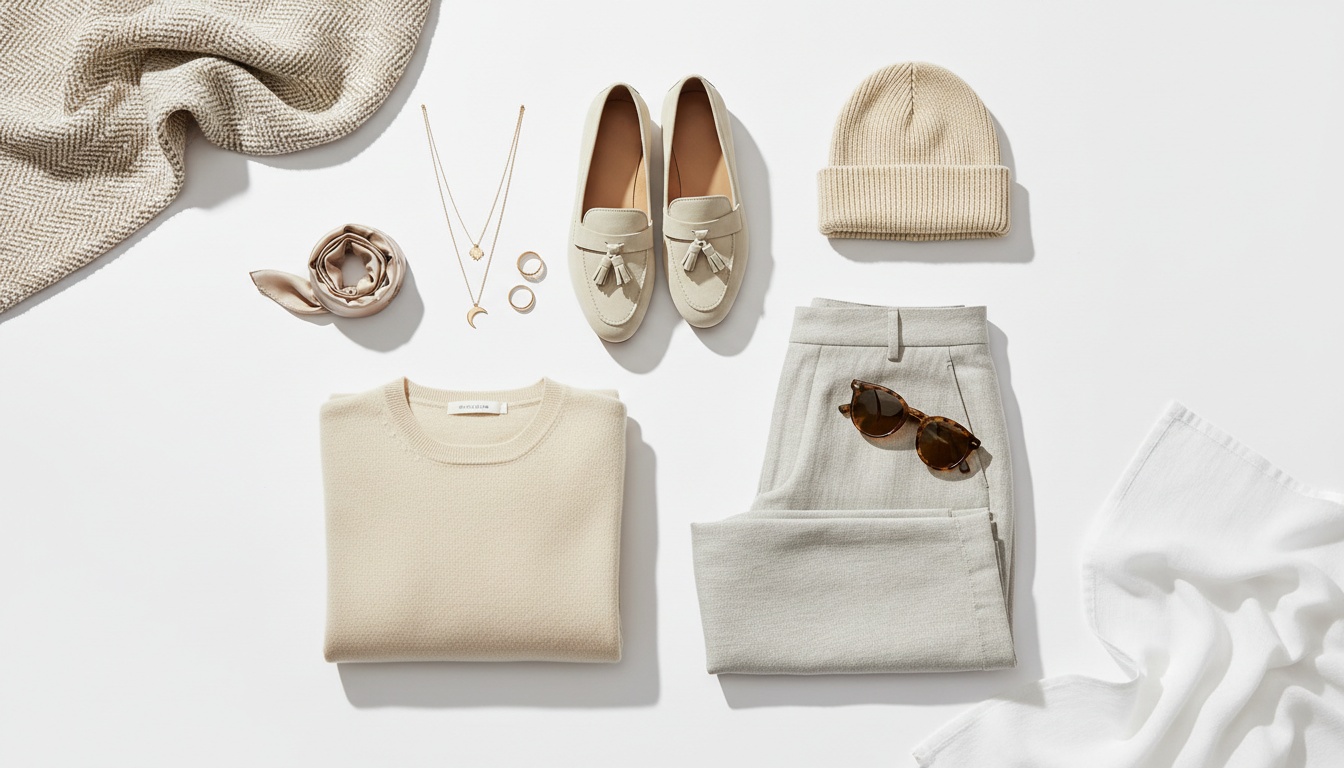
Solution 1: Master Lighting Without Expensive Equipment
Lighting makes or breaks product photography. Here's how to get professional results on any budget:
Natural Light Strategy (Free)
Position your setup near a north-facing window for consistent, soft light. Avoid direct sunlight—it creates harsh shadows and hotspots. Use a white poster board ($2) as a reflector to fill shadows on the opposite side. Shoot during midday when light is most stable. This setup works brilliantly for clothing, accessories, and jewelry.
Budget Studio Setup ($100-200)
Invest in one LED panel light and position it at 45 degrees to your product. This creates depth and dimension. Add a white foam board as a reflector on the opposite side. For apparel, this single-light setup produces professional results that rival expensive studios.
Two-Light Power Setup ($200-400)
Add a second light as fill at half the intensity of your key light. Position your key light at 45 degrees, fill light opposite. For fashion products, add a backlight to separate items from backgrounds—essential for creating that premium catalog look.
Solution 2: Composition Techniques That Convert
Static, centered shots bore customers. Use these composition strategies:
- Multiple angles: Shoot 7-9 images per product—front, back, 3/4 view, detail shots of zippers, buttons, textures
- Rule of thirds: Position products slightly off-center for visual interest
- Background choice: Pure white for marketplaces (Amazon, eBay), subtle textures for lifestyle shots
- Ghost mannequin effect: For apparel, shoot on mannequin then remove in editing for professional invisible model look
- Detail closeups: Show fabric weave, stitching quality, hardware—these build trust
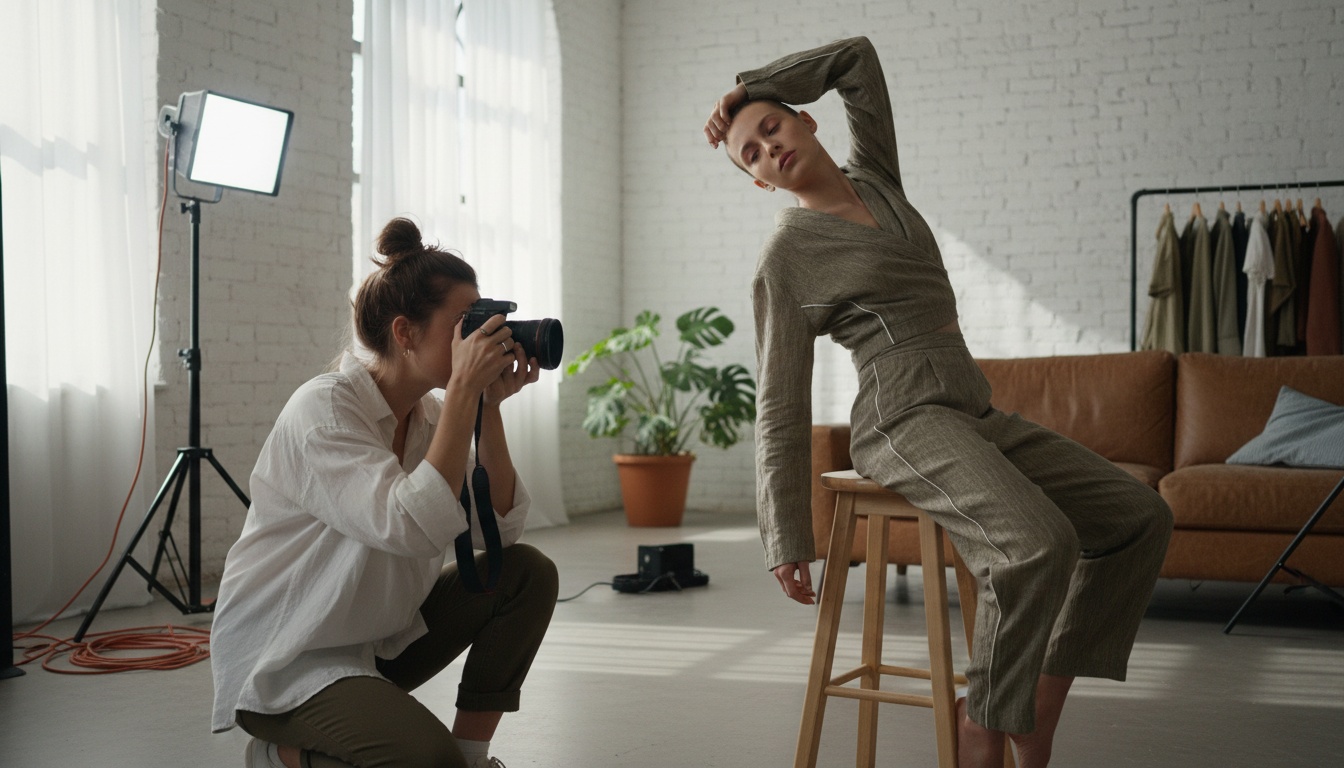
Solution 3: Camera Settings for Sharp, Professional Results
Whether you're using a DSLR or smartphone, these settings deliver:
- Aperture: f/8 to f/11 for sharp focus across entire product
- ISO: Keep at 100-200 to avoid grain and noise
- Shutter speed: Use tripod and shoot at 1/125 or slower for maximum sharpness
- White balance: Set to daylight (5500K) for accurate colors
- Shoot RAW: Gives maximum editing flexibility
Smartphone users: Use a tripod, enable grid lines, shoot in RAW mode (iPhone Pro or Android flagship), and use manual camera apps like Lightroom Mobile for full control.
Solution 4: Streamline Post-Production
Editing shouldn't take hours per image. Efficient workflow:
- Crop to 85% product fill in frame
- Adjust white balance for accurate colors
- Boost contrast slightly for depth
- Remove dust spots and distractions
- Ensure white backgrounds are pure white (RGB 255,255,255)
- Batch process similar products for consistency
The Game-Changer: How Milano AI Eliminates Photography Pain Points
Here's the reality: even with these tips, traditional product photography is time-intensive and expensive. You're still looking at hours per product, equipment costs, and constant reshoots.
Milano AI solves this completely.
Upload your basic product photos—even phone snapshots—and Milano AI transforms them into professional campaign imagery, lifestyle scenes, and marketplace-ready images in minutes. No studio, no models, no expensive equipment.
What Milano AI delivers for fashion brands:
- ✅ Bulk catalog creation: Upload 100 SKUs, generate complete e-commerce catalogs with white backgrounds, lifestyle contexts, and ghost mannequin effects
- ✅ Unlimited variations: Create seasonal campaigns, different backgrounds, multiple angles—all from one original photo
- ✅ AI photo editor: Request changes in plain English—'add sunset beach background' or 'change dress color to navy'
- ✅ Marketplace optimization: Automatically generate Amazon, Shopify, and Instagram-ready formats
- ✅ Professional quality: Results indistinguishable from $5,000 photoshoots
- ✅ 95% cost reduction: Replace expensive studios and photographers
Beyond product photos, Milano AI is your complete marketing automation platform—generating video campaigns, SEO blog content, social media posts, and interactive catalogs. It's the full operating system for fashion e-commerce.
Perfect for: DTC founders managing entire brands, marketing managers scaling content production, e-commerce directors optimizing conversion rates, indie labels competing with established retailers.
Frequently Asked Questions
The three critical elements are: (1) Proper lighting—use natural window light or affordable LED panels positioned at 45 degrees with reflectors to fill shadows, (2) Multiple angles—shoot 7-9 images per product including front, back, 3/4 views, and detail closeups of textures and hardware, (3) Consistent backgrounds—pure white for marketplaces, subtle textures for lifestyle shots. Always use a tripod, shoot in RAW format, and maintain consistent white balance across your catalog for professional results.
Scale Your Fashion E-Commerce with AI
Create professional campaigns and product photography in minutes. Start with 10 free credits—no credit card required.
Related Articles
Professional Product Videos with AI: The Ultimate Q&A Guide for Fashion Brands
Learn how fashion e-commerce brands can create professional product videos with AI, replacing expensive photoshoots with automated video generation. This Q&A guide covers AI avatars, conversion optimization, and scaling video content across your entire catalog—cutting costs by 95% while accelerating production from weeks to minutes.

AI Lifestyle Videos: Compare Top Tools for Fashion Brands in 2026 | Milano AI Guide
Compare top AI lifestyle video tools for fashion e-commerce in 2026. Detailed analysis of Synthesia vs HeyGen vs Runway ML vs Pika Labs vs Milano AI. Learn which platforms deliver ROI for DTC brands, with actionable implementation strategies and cost comparisons. Cut video production costs by 95% while scaling output 10x.

Marketplace Video Optimization: How Fashion Brands Scale Conversions 30%+ in 2026
Fashion brands see 30%+ conversion lifts with optimized marketplace videos, but manual production fails at scale. Learn the cause-and-effect strategies driving success on Amazon, Etsy, and Shopify in 2026—from AI compression eliminating load penalties to shoppable overlays converting views into sales. Complete guide with actionable tactics for DTC brands and retailers.