Best AI Tools for Fashion Product Photos (2026)
The best AI tools for fashion product photos in 2026, compared honestly — what each is genuinely best at, where it falls short, and how to choose.
What's the best AI tool for fashion product photos in 2026?
For on-model imagery and a consistent catalog, a fashion-built platform like Milano AI fits best; for quick single-image edits, Photoroom is hard to beat; for hands-on scene design, Flair AI. There's no single winner — the right tool depends on whether you need a full campaign or a fast cleanup. Below we compare seven honestly, by what each is genuinely best at.
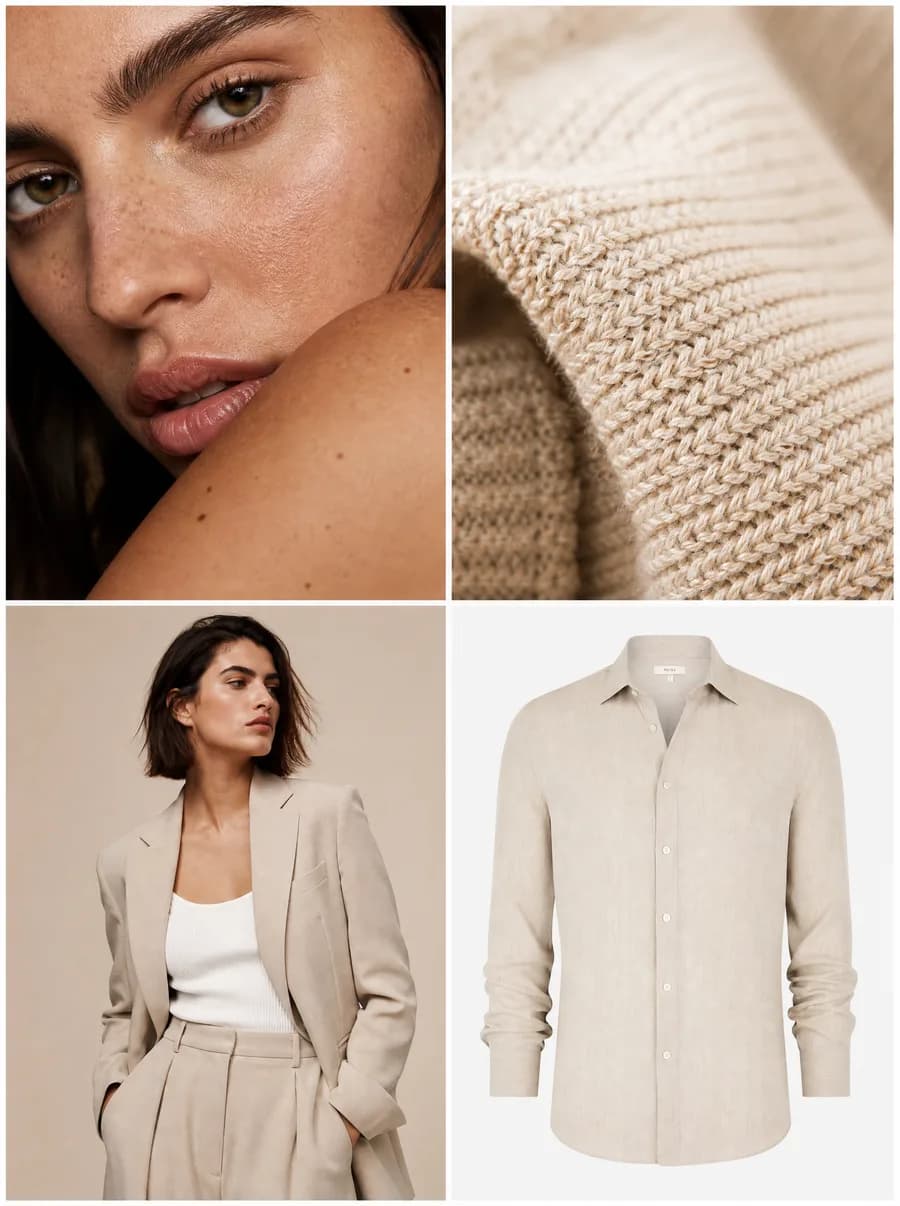
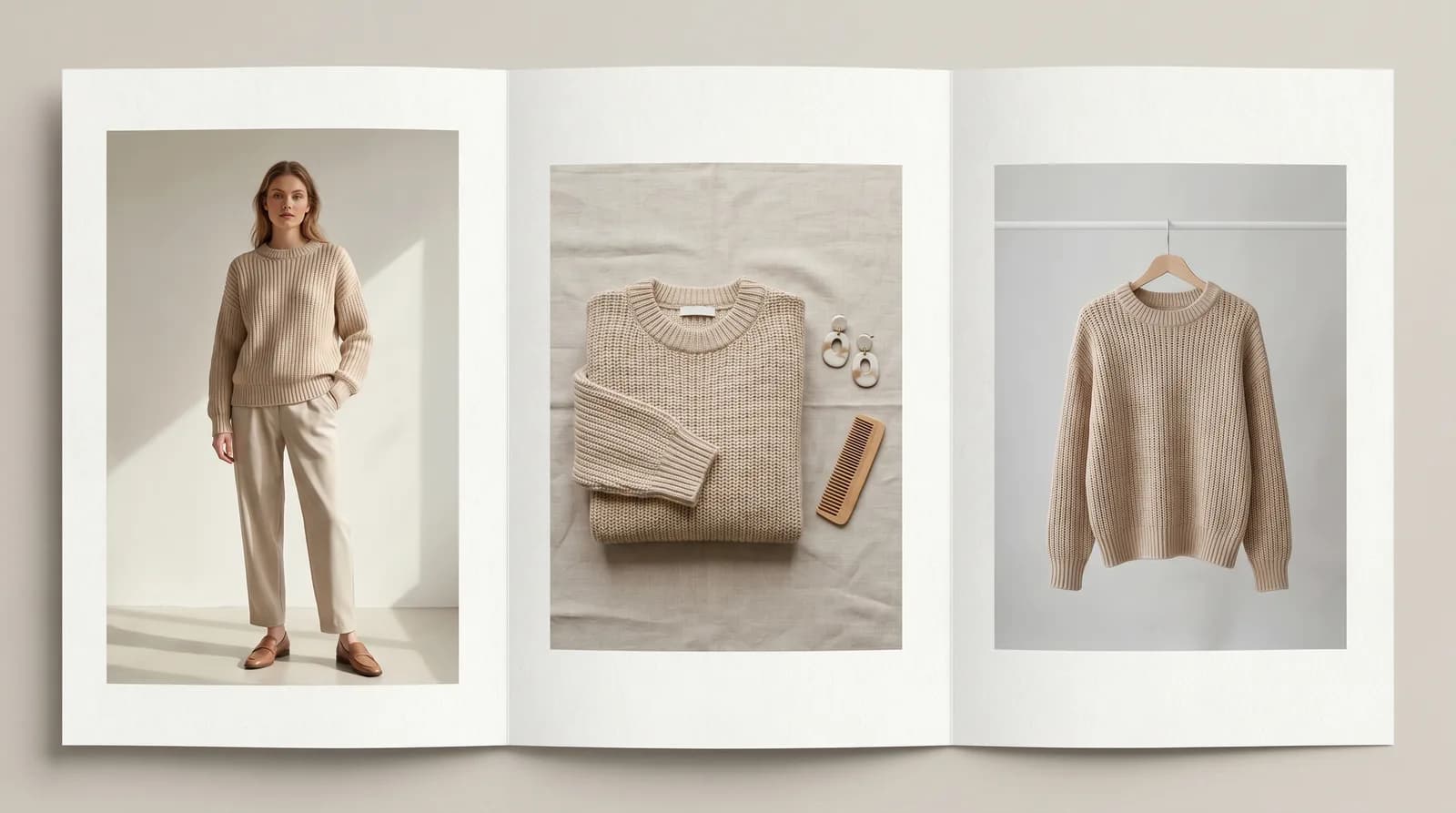
Most AI photo tools are built for generic e-commerce — a candle on a marble shelf. Fashion is harder: a garment has to sit on a body, drape correctly, keep its real color and fabric, and look like the same piece across a whole catalog. A traditional shoot runs roughly $50–$200 per image, so every tool here costs a fraction of that.
How we picked these tools
We judged each tool on the five things that decide whether a fashion brand can actually ship the images: product accuracy, consistency, on-model imagery, marketplace-readiness, and price and speed. The rankings below reflect those five criteria, not brand size.
- Product accuracy — does it keep the real garment's color, fabric, and details, or reinvent them?
- Consistency — can it hold the same model, light, and look across a whole set?
- On-model imagery — can it put clothing on a believable body, not just a background?
- Marketplace-ready — clean backgrounds and the right formats for listings and ads.
- Price and speed — what a usable image costs, and how fast it arrives.
The 7 best AI tools for fashion product photos
Here's the shortlist at a glance, followed by the detail on each.
| Tool | Best for | Price feel |
|---|---|---|
| 1. Milano AI | Fashion campaigns, catalogs & marketplace sellers | Free trial · subscription |
| 2. Rawshot | On-model garment shots without prompts | $$ |
| 3. Flair AI | Drag-and-drop scene design | Free tier · $$ |
| 4. Photoroom | Fast mobile edits & background removal | Free tier · $ |
| 5. Claid | Automated catalog cleanup at scale | $$ |
| 6. Pebblely | Simple lifestyle backgrounds on a budget | Free tier · $ |
| 7. Caspa AI | Products on AI models, beginner-friendly | $ |
1. Milano AI — best for fashion campaigns, catalogs, and marketplace sellers
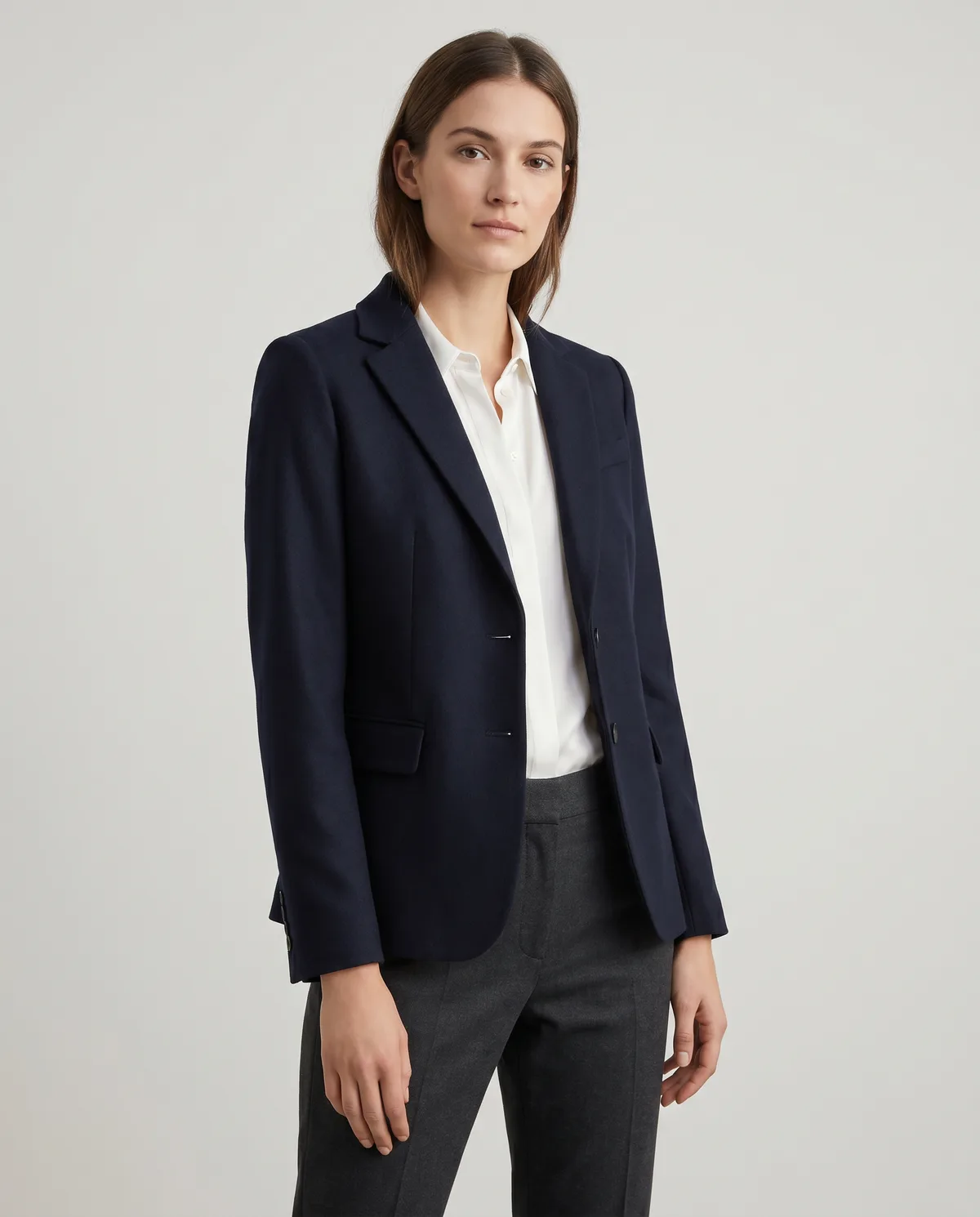
Milano AI is built only for fashion, which is why it leads this list for apparel brands. You start from a product photo you already have and generate campaign-ready images around the real garment — on a model you choose, in a scene you set, in every channel format — then carry the same product through catalogs, e-commerce shots, and video. Its strongest cards are the ones fashion brands struggle with elsewhere: it keeps the real product accurate, holds a consistent model and look across a whole collection, and outputs for listings and ads, including Brazilian marketplaces like Mercado Livre and Shopee with full Portuguese support.
- Best for: brands that need on-model imagery and a consistent catalog, not just one nice image.
- Trade-off: it's focused on fashion and product work — it isn't a general-purpose design canvas.
2. Rawshot — best for on-model garment shots without prompts
Rawshot is fashion-specific and leans on buttons and sliders instead of written prompts, which makes generating on-model apparel approachable. It's strong at producing consistent synthetic models across a catalog.
- Best for: apparel sellers who want on-model shots and dislike prompt-writing.
- Trade-off: narrower once you step outside clothing and accessories.
3. Flair AI — best for drag-and-drop scene design
Flair is a visual studio: you stage a scene on a canvas with props and backgrounds, then let AI bring it to life. Teams like it for creative control and collaboration.
- Best for: marketing teams that want to art-direct scenes hands-on.
- Trade-off: more design tool than push-button generator — there's a learning curve, and consistency across a large set takes effort.
4. Photoroom — best for fast mobile edits and background removal
Photoroom is the quick everyday editor: instant background removal, marketplace templates, and batch edits, mostly from your phone. It's been downloaded over 200 million times.
- Best for: quick listing cleanups and single-image edits on the go.
- Trade-off: it's an editor, not a campaign generator — building a cohesive on-model catalog isn't its job.
5. Claid — best for automated catalog cleanup at scale
Claid focuses on the path from raw photo to listing image: background removal, enhancement, color correction, and lifestyle scenes, with automation for high volume.
- Best for: larger catalogs that need consistent cleanup and automated workflows.
- Trade-off: more of an automation layer than a creative campaign tool.
6. Pebblely — best simple lifestyle backgrounds on a budget
Pebblely does one thing simply: upload a packshot, pick a theme, get lifestyle backgrounds in seconds. Friendly and cheap.
- Best for: small sellers who want decent backgrounds fast without configuration.
- Trade-off: limited control and consistency; on-model fashion isn't its strength.
7. Caspa AI — best for products on AI models, beginner-friendly
Caspa makes it easy to place products on AI human models with very little setup, which suits sellers who want on-model imagery without complexity.
- Best for: beginners who want a quick on-model result.
- Trade-off: less fidelity and consistency than a fashion-built platform.
How do you choose the right AI photo tool?
Choose by the job, not the brand. If you sell apparel and need a real catalog or campaign, start with a fashion-built platform; if you just need quick listing edits, a mobile editor wins; if you sell into Brazilian marketplaces, prioritize proper Portuguese support and Mercado Livre / Shopee-ready output.
- Apparel catalog or campaign: a fashion-built platform (Milano AI or Rawshot).
- Quick listing edits: Photoroom.
- Art-direct every scene by hand: Flair.
- Clean up a huge catalog automatically: Claid.
- Tight budget, simple backgrounds: Pebblely.
- Brazilian marketplaces: a tool with Portuguese support and Mercado Livre / Shopee-ready output.
Frequently Asked Questions
For on-model imagery and a consistent catalog, a fashion-built platform like Milano AI fits best. For quick single-image edits, Photoroom is excellent. The right answer depends on whether you need a campaign or a cleanup.