
10 E-Commerce Product Photography Best Practices That Actually Drive Sales
Master the 10 essential product photography practices that drive e-commerce sales for fashion brands. Learn lighting, composition, styling, and camera settings that create professional results on any budget. Discover how Milano AI scales your content production 10x while cutting costs by 95%, transforming single product shots into unlimited marketing variations in minutes.
Your product photos are your silent sales team working 24/7. They convince customers to click, examine, and ultimately buy. Whether you're running a boutique fashion label or managing inventory across multiple channels, mastering product photography isn't optional—it's the difference between scrolling past and adding to cart.
The reality? You don't need a massive budget or professional studio. With the right approach and understanding of fundamentals, you can create images that rival high-end commercial shoots. Here are the 10 essential practices every fashion brand needs to implement today.
1. Invest in the Right Equipment (But Stay Realistic)
Here's the truth: you don't need a $3,000 camera. Modern smartphones have incredibly capable cameras. What matters infinitely more is how you use your equipment.
Your essential toolkit: A stable tripod ($20-50) eliminates blur and ensures consistency. Natural light from a large window provides soft, flattering illumination. A basic softbox lighting kit ($40-100) works for indoor shoots. White poster board or kraft paper creates clean backgrounds for under $20. A reflector ($15-30, or DIY with white poster board) bounces light to reduce harsh shadows.
The tripod is non-negotiable—everything else can be improvised until you scale.
2. Master Lighting: The Golden Rule of Product Photography
Perfect lighting makes everything else easier. Position your shooting area perpendicular to a large window so light hits your product from the side. This creates dimension by highlighting shape and texture—far superior to flat front lighting.
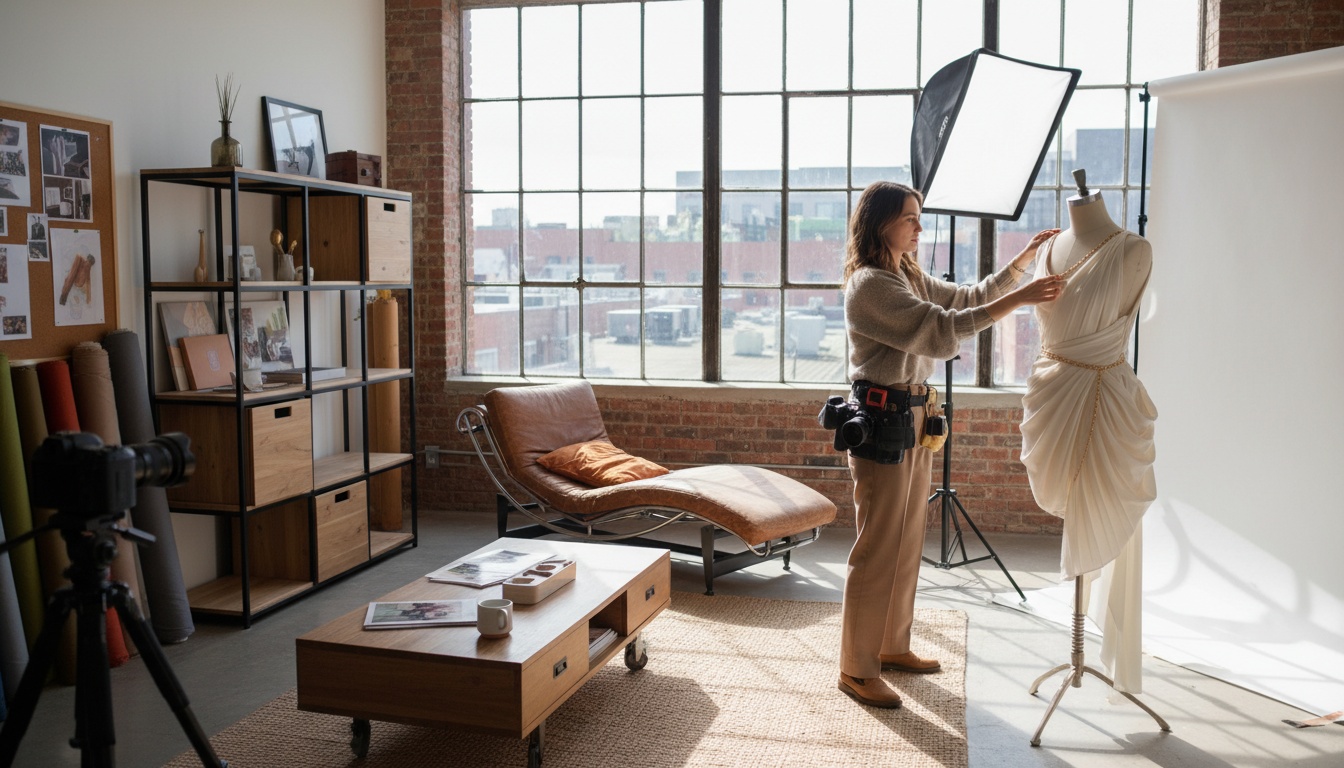
Shoot during golden hours (first hour after sunrise, last hour before sunset) or on overcast days when clouds diffuse harsh sunlight. Use a white reflector opposite your light source to soften shadows without eliminating them completely. Shadows add depth—you just need to control them.
For artificial lighting, use two identical softbox lights: one as your key light, the second as fill light on the opposite side for even illumination.
3. Shoot Multiple Essential Angles
Customers can't touch your products, so your photos must communicate everything. Fashion items require specific angles:
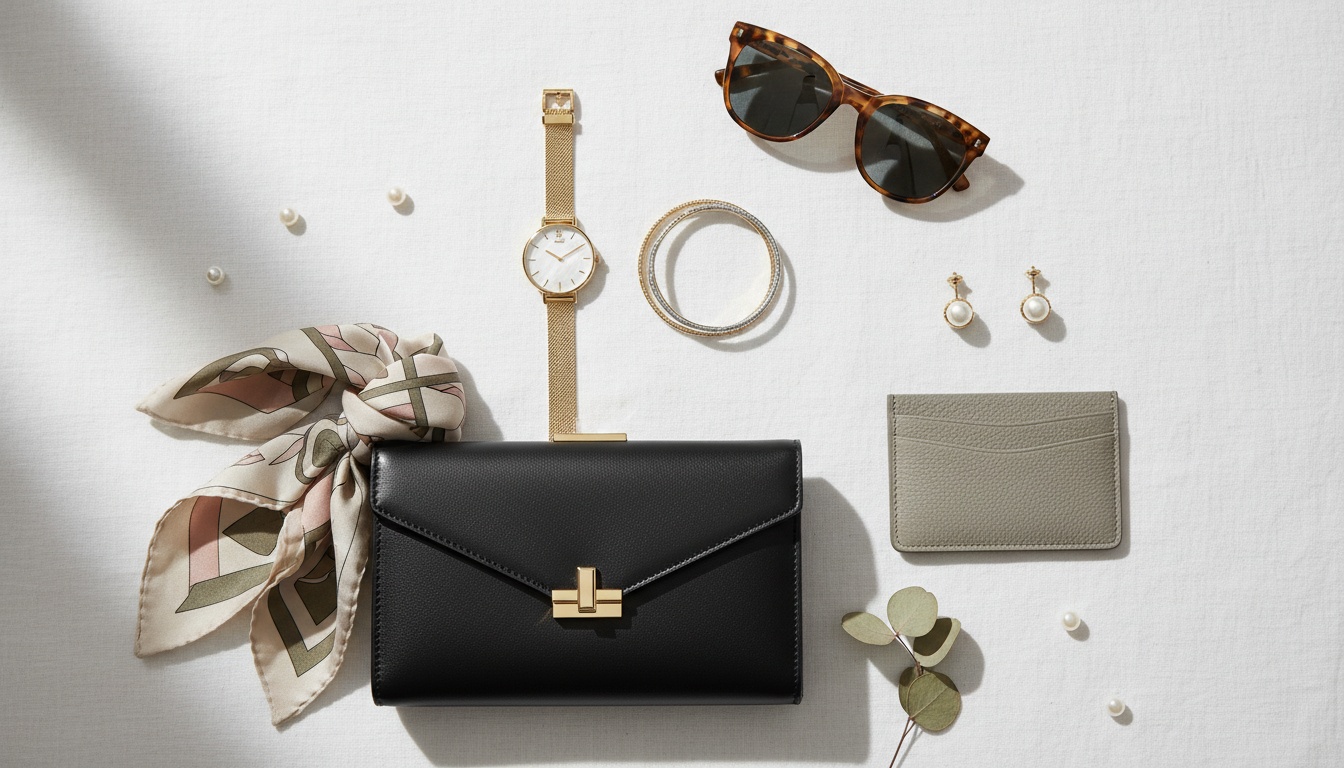
Front view: Your hero shot—clean, centered, showing the item as worn or displayed. Side and back views: Essential for silhouette, construction details, and back design elements. Close-ups: Zoom in on textures, stitching, buttons, zippers—these build confidence in quality. Lifestyle shots: Show the item styled in context so customers envision themselves wearing it. Flat lays: Perfect for styling sets and showing how items coordinate together.
4. Apply Composition Techniques That Convert
Rule of thirds: Imagine a tic-tac-toe grid over your frame. Place your product where lines intersect for naturally balanced, dynamic images. Negative space: Leave breathing room around products to prevent visual clutter and provide space for text overlays. Leading lines: Use product elements (scarf drape, button rows, fabric folds) to guide the viewer's eye. Depth of field: Shoot with slightly wider aperture (f/2.8-4.5 on DSLR) to blur backgrounds subtly, making products pop.
5. Style Strategically: Context Without Distraction
White backgrounds are perfect for main product images—clean, distraction-free, and standard across e-commerce platforms. But don't stop there. Lifestyle imagery tells stories and helps customers envision ownership.
Choose props intentionally: items customers would realistically use with your product (jewelry with dresses, scarves for layering) or objects complementing your brand aesthetic. For clothing, pin or tape garments to models or mannequins for proper fit and drape. Always steam or press before shooting.
6. Optimize Camera Settings for Sharpness
If using a DSLR or mirrorless camera: Aperture: Use f/8 to f/16 for entire product in focus. Use f/2.8-4.5 for background blur. Shutter speed: Keep at 1/30 to 1/60 second with tripod for proper exposure. ISO: Keep as low as possible (100-400) to minimize grain. White balance: Set based on light source (daylight for windows, adjusted for artificial lights) to save editing time.
7. Edit Lightly for Maximum Impact
If you've nailed setup and lighting, editing should enhance—not transform. Sharpen slightly for crisp edges. Fine-tune white balance for warmth. Adjust brightness and contrast subtly to add depth. Increase saturation modestly for liveliness. Use spot healing to remove dust and debris.
Tools: Canva or Snapseed for quick edits, Adobe Lightroom for more control. Both have affordable options.
8. Shoot at Scale: Multiple Angles, One Setup
Save enormous time with this workflow: keep your tripod and camera in the same position. Rotate the product instead. This ensures consistent lighting, perspective, and background across all angles. You'll capture 4-5 different shots from one setup in minutes instead of hours.
Pro tip: View images on a larger screen periodically to spot issues—awkward angles, missed focus, unwanted shadows—while you can still adjust.
9. Create Seasonal Variations Without Reshooting
Shoot once with different backdrops. Use white for hero shots, then swap in colored backgrounds, textured surfaces, or seasonal props for lifestyle variations. One solid photoshoot generates dozens of variations—essential for fashion brands needing fresh content for seasonal campaigns and collections.
10. Optimize Images for Platform Performance
File size: Compress images using TinyPNG or Compress JPEG. Smaller files load faster, improving user experience and SEO. Dimensions: For Shopify and most platforms, 2048x2048 pixels for square product photos is ideal—large enough for zoom functionality without loading delays. Keep file size under 5MB. Format: JPEG for product photos, PNG for transparency (ghost mannequin images).
Scale Beyond DIY: How Milano AI Transforms Product Photography
Even with perfect DIY product photography, creating enough variations and maintaining consistency across your catalog is time-consuming and expensive. This is where scaling becomes the real challenge.
Milano AI is built specifically for fashion brands facing exactly this problem. Our platform takes your best product photos and transforms them into unlimited marketing variations in minutes.
Bulk image generation: Upload your entire catalog once. Milano AI generates professional variations automatically—ghost mannequin effects, lifestyle backgrounds, white-background shots, marketplace-optimized images—with bulk processing capabilities. AI-powered photo editing: Describe what you want in plain English. Milano AI handles it instantly while maintaining professional quality. Style consistency at scale: Milano AI learns your brand aesthetic, maintaining visual consistency across unlimited content.
Beyond product images, Milano AI is your complete marketing operating system. Create professional video campaigns, generate AI avatar videos for demonstrations, produce SEO-optimized blog content, automate social media posts, design interactive catalogs, and deploy live shopping experiences—all from one dashboard.
The real economics: Traditional product photography costs $500-2,000 per shoot, plus models ($300-1,000), studio rental, styling, and post-processing. For mid-sized fashion brands, this becomes $50,000-200,000+ annually. Milano AI cuts content costs by 95% while increasing production volume 10x.
Your brand's visual presence scales with your actual growth, not limited by production capacity or budget constraints. Milano AI is the complete operating system for fashion e-commerce, managing content creation, competitor intelligence, SEO, social media, and analytics in one platform built exclusively for fashion.
Ready to transform your product photography workflow? Start with Milano AI's free trial and see how professional-quality content creation scales without scaling costs.
Frequently Asked Questions
You don't need expensive equipment to create professional product photos. Essential items include: a stable tripod ($20-50) for consistency and sharpness, natural light from a large window or basic softbox lighting kit ($40-100), white backdrop material like poster board or kraft paper (under $20), and a reflector ($15-30 or DIY with white poster board). Modern smartphones have capable cameras—what matters most is how you use your equipment, not how expensive it is.
Scale Your Fashion E-Commerce with AI
Create professional campaigns and product photography in minutes. Start with 10 free credits—no credit card required.
Related Articles
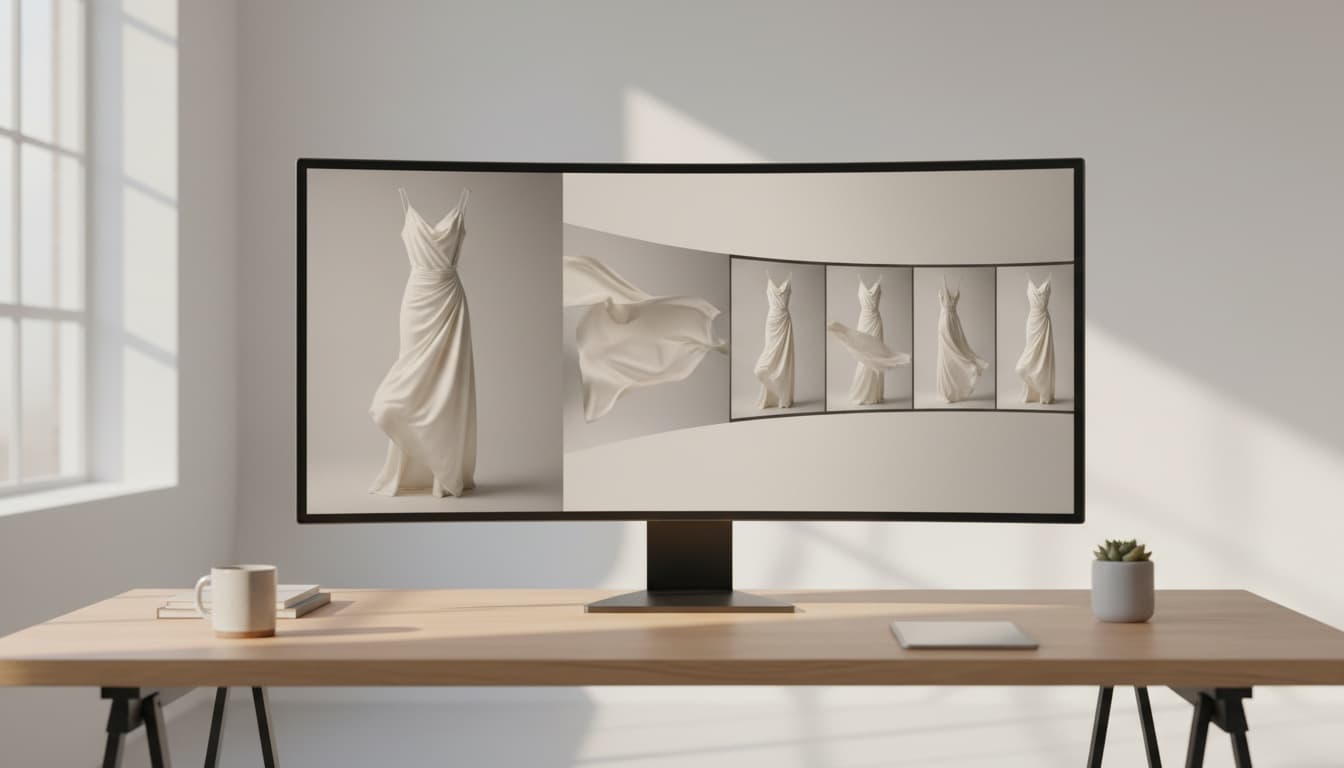
Professional Product Videos with AI: The Ultimate Q&A Guide for Fashion Brands
Learn how fashion e-commerce brands can create professional product videos with AI, replacing expensive photoshoots with automated video generation. This Q&A guide covers AI avatars, conversion optimization, and scaling video content across your entire catalog—cutting costs by 95% while accelerating production from weeks to minutes.

AI Lifestyle Videos: Compare Top Tools for Fashion Brands in 2026 | Milano AI Guide
Compare top AI lifestyle video tools for fashion e-commerce in 2026. Detailed analysis of Synthesia vs HeyGen vs Runway ML vs Pika Labs vs Milano AI. Learn which platforms deliver ROI for DTC brands, with actionable implementation strategies and cost comparisons. Cut video production costs by 95% while scaling output 10x.

Marketplace Video Optimization: How Fashion Brands Scale Conversions 30%+ in 2026
Fashion brands see 30%+ conversion lifts with optimized marketplace videos, but manual production fails at scale. Learn the cause-and-effect strategies driving success on Amazon, Etsy, and Shopify in 2026—from AI compression eliminating load penalties to shoppable overlays converting views into sales. Complete guide with actionable tactics for DTC brands and retailers.